

1 🛍️ Customers Want to Buy Your Products. Is There a Direct Way to Order?
Through the WeiCity Shop, connect product display, online ordering, and payment so customers can easily continue buying when they see a product they like.
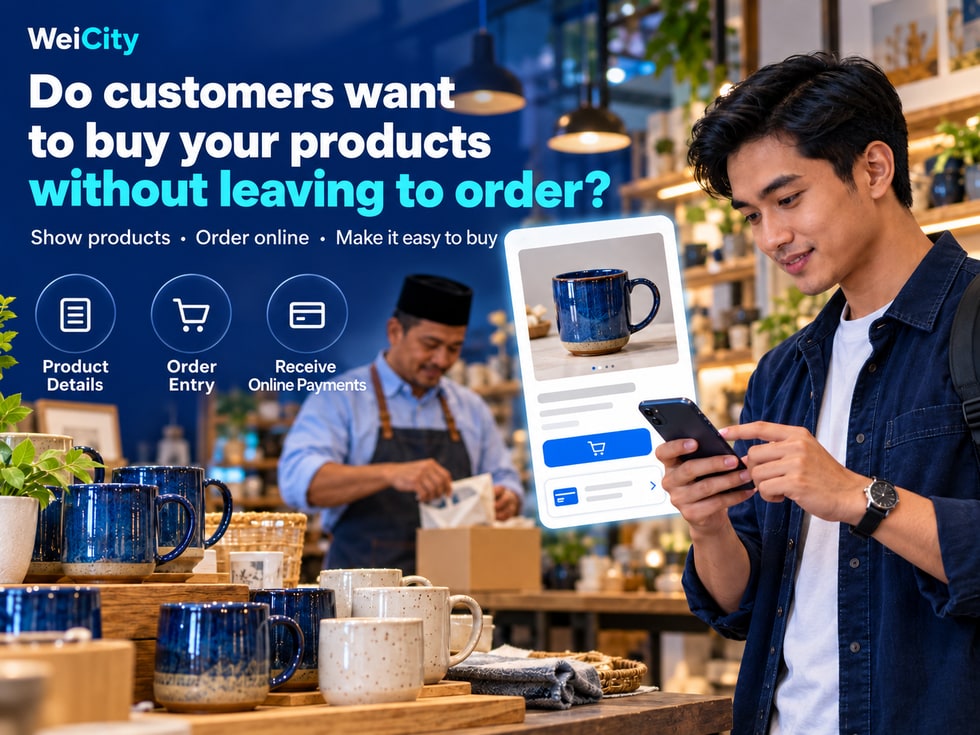
When a product post attracts attention, customers still have to send private messages to ask for prices, request information, and then figure out how to buy? The WeiCity Shop lets merchants centrally display product images, prices, and descriptions in their channel, with online ordering and payment. This article introduces how the Shop can be used for everyday sales and helps merchants prepare a clear purchase entry point for every promotion.
First, they send you a private message asking the price.
Then they wait for you to send the product details.
Next, they confirm the style and how to buy.
Finally, they ask how to pay and how to receive the product.
If you are serving in-store customers and cannot reply promptly, this purchase has to keep waiting.
You have already spent time taking photos, introducing and promoting your products, so it is worth preparing a convenient purchase entry point for interested customers.
✨ Through the WeiCity Shop, put your products into your merchant channel, displaying images, prices and descriptions in one place, with online ordering and payment collection, so that customers can continue to buy after learning about them.
After entering the channel, customers can not only get to know your brand but also browse the products you sell.
You can organize:
📸 Product images: Show the appearance and important details.
🏷️ Product name: Let customers know what they are looking at.
💰 Product price: Provide a clear reference for purchase.
📋 Product description: Introduce uses, specifications and purchase considerations.
Information is kept together on the relevant product page, so new customers can browse and familiar customers can conveniently review it again.
Once product pages are complete, basic questions have information to refer to.
For example, a cup merchant can explain the capacity, material and size, and whether the product includes a lid or other accessories.
After reviewing this, customers can ask about color, usage needs or other details, and the merchant can respond more easily to specific questions.
💡 For merchants, this reduces the repeated steps of searching for photos and sending basic information.
After reviewing a product, customers can place an order through the Shop online and submit their purchase information by following the page process.
For products with clear information that can be bought directly, the ordering entry point makes it easier for customers to express their decision to buy.
If a product needs custom making or further confirmation, the description should also clearly state which matters require contacting the merchant first, so customers know how to proceed.
WeiCity Shop offers online payment collection, allowing customers to complete payment in the way provided on the page.
The product description should also explain arrangements after purchase, for example:
✅ Whether it can be collected in store or will be delivered.
✅ Whether the fee includes shipping.
✅ How collection or delivery is expected to be arranged.
✅ How to contact you if there is a problem.
Customers care not only about payment but also about how they will receive the product afterward. Preparing this information makes the purchase process more complete.
After posting product photos on social media, you can attach the product link from the WeiCity Shop.
For example:
"The capacity, colors and purchase details for this cup are already organized on the product page. Click the link to view them."
If customers are interested in this product, they can view the related information directly, reducing the steps needed to keep searching for the product.
When sharing, try to use the link for the corresponding product so that customers see the content they were interested in as soon as they open it.
☕ Example | How might a household goods shop use this?
① Show the product
Upload overall photos, close-ups of the rim and handle, and real usage scenes.
② Write clear information
Explain the capacity, material, size, selling price and included accessories.
③ Explain delivery
Describe how it can be collected or delivered, and the related fees.
④ Check the purchase process
View the page from the customer's perspective and confirm that the ordering and payment entry points are clear.
⑤ Share the product link
Use the link for social media promotion, and also send it when customers ask questions.
In this way, a new product promotion has a place where people can keep viewing and buying.
In-store customers may want to think it over at home, or share the product with family members.
You can provide the product link from the Shop so they can review the information later; when customers ask about other products, you can also guide them to browse the Shop in your channel.
Online product pages and in-store service work together, making it easier for customers to learn about your products at different times.
You may start by choosing three to five items:
🔸 Products that customers often ask about.
🔸 Products with clear prices and specifications.
🔸 Products that are suitable for direct purchase.
🔸 Products you want to highlight.
Once images, descriptions and purchase arrangements are complete, gradually add other items.
✅ Display products in one place for easy browsing.
✅ Provide prices and descriptions to reduce repeatedly sending information.
✅ Connect online ordering and payment collection.
✅ Provide a purchase entry point for social media promotion.
✅ Make it convenient for in-store customers to learn more later.
👉 Turn on the Shop in your WeiCity merchant channel, first organize a few key products, and help customers move from "seeing something they like" to "buying it conveniently."