

14 📣 After writing an article, how do you get more people to see it?
Combine posts, videos, personal links, and one-tap translation to give useful articles more chances to reach readers who need them.
After publishing an article, how can you promote it? Merchants and creators can turn the key points of an article into posts, use short videos to show related questions, and guide readers to get to know you through @username short links. Together with WeiCity's recommendation feed and one-tap post translation, different readers have the chance to discover the content and then enter the article to learn more.
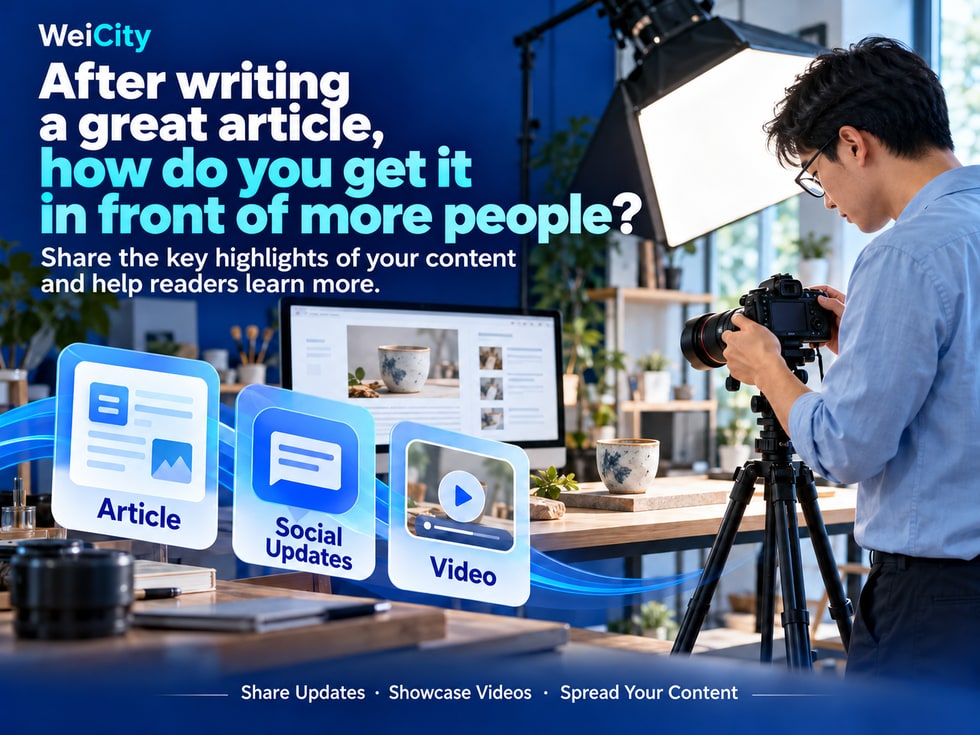
You can turn the most helpful question, experience, or step in your article into content suited for posts and videos, so readers first get to know the topic and then decide whether to read the full article.
✨ Give Your Article More Entry Points for Discovery
Different readers prefer different forms of content:
📝 Some people first look at short posts.
🎬 Some people prefer to watch practical demonstrations.
👤 Some people want to learn about your professional articles only after getting to know you.
Introducing the key points of the same article in different formats can help more people understand how it relates to them.
Posts can start with problems that customers often encounter.
For example, if you wrote a "Complete Beginner's Guide to Pour-Over Coffee", you could first publish:
☕ "Is your pour-over coffee always bitter? Check the grind size and extraction time first."
Then briefly explain these two factors, and introduce the steps included in the full article.
A clear post can include:
✅ A specific problem
✅ A useful explanation
✅ An introduction to the full article's content
✅ The corresponding article link
Let readers get help first, then let them know where to continue reading.
Content that involves hands-on operation can be presented more intuitively through video.
🌱 A gardening merchant demonstrates how to observe potting soil.
📷 A photography teacher shows the difference before and after adjusting lighting.
🧵 A handicraft teacher demonstrates a basic stitch.
☕ A coffee merchant shows a pouring technique.
The video shows readers the process; the article can further explain preparation, operating steps, and common questions.
The two formats work together, allowing readers to choose the way that suits them best to learn.
When promoting content, you can pair it with your @username short link so readers can easily visit your profile and learn about your identity and professional focus.
The two entry points serve different purposes:
🔹 Article link: lets readers read a specific piece of content directly.
🔹 @username short link: lets readers learn more about you and view your profile.
When sharing a particular tutorial, you can provide the article link; when introducing yourself or your ongoing creative focus, you can provide your personal entry point.
Beyond sharing article links, you can also use WeiCity's Lists for following groups and the intelligent follow recommendations on the Connections page to help readers discover related creators and learn more about your professional focus.
🗂️ Following Lists
Helps users organize the people they follow. After a reader follows you, you can add them to a relevant list so they can easily find your account and content later.
🤝 Intelligent Follow Recommendations on Connections
Gives users opportunities to discover other users, and gives creators a chance to be noticed by potential readers.
💡 Keep your personal introduction clear, and keep sharing useful posts and articles. This helps readers who find you through these entry points understand what you offer, so they can decide whether to follow you.
In Malaysia, readers may use different languages.
WeiCity's one-tap post translation can help readers understand the content of your posts, giving your article topics a chance to reach people with more diverse language backgrounds.
When publishing, try to:
✅ Use short, clear sentences
✅ Explain the specific problem and its purpose
✅ Add simple explanations to technical terms
✅ State the language used in the main article
When it involves prices, specifications, or important conditions, make sure the original meaning is accurate and check that the translation conveys the meaning clearly.
WeiCity's recommendation feed gives new posts and videos a chance to be discovered by more people. Whether they capture interest also depends on the content being clear and useful.
For example:
"Sharing some photography tips"
It can be written more specifically:
"Getting glare when photographing products? Try adjusting where your lights are placed."
"New article is live"
You can write:
"Just starting to care for indoor plants? This guide covers three things to check before watering."
The faster readers see what problem you're solving, the easier it is for them to decide whether it's worth learning more.
Using the "Indoor Plant Care Guide" as an example, you could separately cover:
🌱 After a new plant arrives home, what should you observe first?
💧 Before watering, how do you check the potting soil?
☀️ How do you tell whether the placement is suitable?
🪴 What do you need to prepare before repotting?
Each post should offer one practical help, then invite interested readers to view the full guide.
These posts revolve around the same topic, but each one answers a different question.
If the full article requires payment to unlock, the introduction should clearly state:
🔹 Which readers the article is suitable for
🔹 What it includes
🔹 What language the body text uses
🔹 That the full article requires payment to read
When readers understand the scope of the content before clicking and buying, they can more easily make a choice that suits them.
① Pick one specific problem the article solves.
② Write a short but helpful description.
③ Make a relevant demonstration video if needed.
④ Add the article link and explain any reading requirements.
⑤ Keep adding content based on readers' new questions.
Gaining more exposure takes ongoing effort, and recommendations and sharing do not guarantee views or sales. Clearly explaining what the content is for is an important step in promoting an article.
👉 Start sharing: https://wei.city