

5 How to Organize Your Portfolio? Help Customers Quickly Find the Styles They Like
Select representative works and display them by style and purpose to help customers understand your creative strengths
How can design, photography, floristry, and renovation merchants organize an online portfolio? This article covers selecting works, categorizing by theme, arranging display order, and writing project descriptions. It helps customers easily find styles they like, understand your creative experience, and follow up with specific reference works when they inquire.
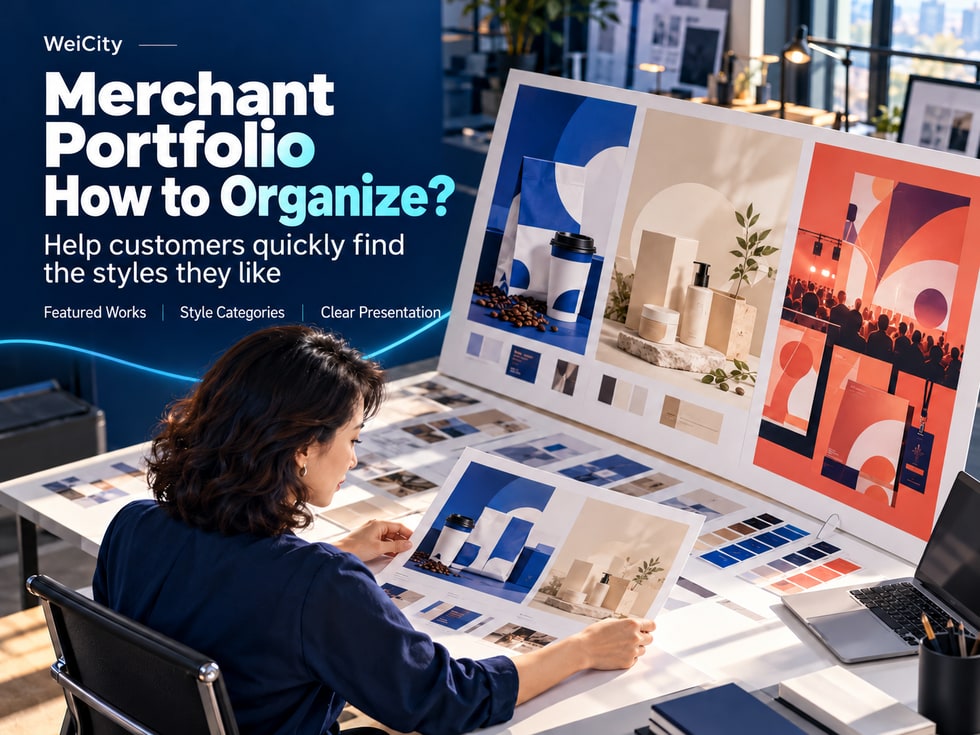
For merchants in design, photography, floristry, interior design, and other creative fields, a portfolio is an important way to help customers understand your creative abilities and service strengths.
When customers browse a portfolio, they usually want more than attractive images. They want to know whether your style suits their taste and whether you have completed similar projects.
📸 Presenting representative works centrally in the WeiCity merchant Gallery, together with clear theme, style, and project descriptions, can help customers understand your creative strengths, find directions they like, and then further inquire about working together.
When customers browse a portfolio, they usually want to know whether your style fits their taste and whether you have done similar projects.
A clear set of works can help customers answer three questions:
⭐ What are you good at?
Understand the creative services you mainly provide and the types of works that best represent you.
🌈 What styles can they use as a reference?
Through different works, understand your color palettes, compositions, design directions, and creative characteristics.
🎯 Which set of works is closest to their needs?
Find projects that can serve as a reference for inquiries and further discuss actual needs.
For example:
📷 Photography customers may want to find a shooting style suitable for family portraits.
💐 Floral customers may want to refer to bouquets in different colors and for different purposes.
🏠 Interior design customers may want to learn about minimalist, modern, or natural space designs.
✏️ Graphic design customers may want to find visual designs that match their brand positioning.
📌 When organizing your portfolio, select content around the choices customers need to make so that they can more easily find directions worth discussing further.
A portfolio does not need to include every past project.
Give priority to works with a high level of completion, clear images, and alignment with the direction in which you currently accept projects.
When selecting works, consider:
✅ Completion: Whether the final result is clearly shown.
✅ Image quality: Whether the images are clear and the main subject is easy to identify.
✅ Style representation: Whether the work reflects your current creative characteristics.
✅ Service relevance: Whether the work matches the services you currently provide.
✅ Project direction: Whether the work belongs to the type of project you wish to continue accepting.
For example:
🏠 Interior design merchants
If you wish to take on minimalist residential design, you can give priority to related residential projects.
📷 Photography studios
If you mainly provide family photography, you can show representative works featuring family interaction, different numbers of people, and various shooting scenes.
💐 Floral studios
If you mainly take on wedding floristry, you can give priority to wedding bouquets, on-site decorations, and related works.
Older content that no longer represents your current style can be displayed less often.
The key of a portfolio is not to show how many projects you have done, but to help customers understand what you can provide now.
Portfolio themes can start from the needs customers raise most often.
Different businesses suit different ways of organizing.
You can organize them by the following themes:
📸 Family portraits.
👤 Personal image photography.
🛍️ Product photography.
🎉 Event documentation.
You can organize them by the following themes:
🎂 Birthday bouquets.
💍 Wedding decorations.
🏪 Opening flower arrangements.
🎊 Festival designs.
You can organize them by the following themes:
🏡 Residential spaces.
🏢 Office designs.
🛍️ Retail spaces.
🍽️ Dining spaces.
You can organize them by the following themes:
🏷️ Brand logos.
📦 Packaging design.
📣 Promotional materials.
📱 Social media visuals.
When categorizing, it is recommended to first choose one main method.
For example, a photography studio can first categorize by shooting type and then add style characteristics in the work descriptions.
📌 Categories do not need to be overly detailed. The key is to help customers easily find works that interest them.
A single work may include several angles worth viewing.
For example:
🎨 Brand design projects
May include brand logos, digital business cards, packaging, and actual application effects.
🏠 Interior design projects
May include the overall space, key areas, material details, and lighting design.
📷 Photography projects
May include different compositions, shooting scenes, and interactions between people.
💐 Floral projects
May include the overall bouquet, floral material details, packaging, and on-site arrangements.
When organizing, place images from the same project together and use a consistent project name.
For example:
🏷️ Coffee Shop Brand Design | Brand Logo.
🏷️ Coffee Shop Brand Design | Drink Cup Stickers.
🏷️ Coffee Shop Brand Design | Paper Bag Packaging.
🏷️ Coffee Shop Brand Design | Overall Application Effect.
This way, customers can see the complete project and also understand the relationships between different images.
Avoid making multiple images from the same project look like unrelated standalone works.
For each set of works, you can first show the main image that best represents the project, then add other angles.
An easy-to-understand display order is:
👀 First image: main image of the representative work
Let customers recognize the overall style of the project at first glance.
🔍 Second image: key design details
Show materials, color palettes, compositions, or production features.
🎨 Third image: different angles and applications
Help customers further understand the content of the work.
✨ Fourth image: finished effect
Show how the work appears in an actual setting.
For example:
📸 First image: overall living room space.
🪑 Second image: storage design and furniture arrangement.
💡 Third image: lighting arrangement.
🪵 Fourth image: material and surface details.
📸 First image: complete packaging appearance.
🎨 Second image: pattern and color details.
✏️ Third image: typography.
📦 Fourth image: unfolded packaging and application effect.
The main image helps customers recognize the work, while the following images help them understand specific features.
With images alone, customers may see the results but not know what work you were involved in.
For each set of works, you can add a brief description.
📍 Project type: What kind of work or design project is this?
🎯 Project needs: What problem was the project meant to solve?
🎨 Creative direction: What style, color palette, or design concept was used?
🛠️ Scope of work: What work did the merchant actually complete?
🔍 Display focus: Which parts are especially worth customers' attention?
📌 Project nature: Is it a real commercial project, a concept design, or a personal practice piece?
For example:
If the work shown is a brand project completed by a team, accurately state the part you were responsible for.
If the work shown is a concept design, state that clearly as well, so customers can distinguish completed commercial projects from creative proposals.
📌 Accurate and honest work descriptions help customers understand your actual scope of involvement and creative ability.
Using coffee shop brand design as an example, you may refer to the following structure.
🏷️ Project name:
Coffee shop brand visual design.
🎯 Project requirements:
Establish a brand visual identity suitable for daily takeaway and in-store use.
🎨 Style direction:
Clean layout with deep blue and off-white colors.
🛠️ Scope of work:
Brand logo, drink sleeve, and paper bag design.
🔍 Key highlights:
Color and graphic application across different materials.
📌 Project nature:
Completed commercial project.
Image 1: Overall brand visual
Show the brand logo, main colors, and overall design direction.
Image 2: Logo detail
Show the logo graphic and typography layout.
Image 3: Drink sleeve design
Show the brand visuals applied to drink packaging.
Image 4: Paper bag packaging design
Show the design consistency across different materials.
Image 5: Overall application effect
Help customers understand how the brand visuals appear in actual use.
The above is only an example. Merchants should fill in according to their real projects.
Such descriptions let customers know whether they like the colors, the layout, or the overall style, making it easier to further express their needs.
Customers may know they like a certain image but not know how to describe it.
Merchants can use easy-to-understand language to describe the visible features of their work.
For example:
🌿 Natural minimalist style
Light-colored wood and natural lighting create a bright, simple spatial atmosphere.
💙 Modern clean style
Blue and white color scheme with clean lines highlights clear visual hierarchy.
📷 Natural photography style
Soft tones and natural interactions create a relaxed shooting atmosphere.
🎨 Bold visual style
Vivid color blocks and eye-catching typography highlight the key information.
💐 Soft floral style
Light-colored flowers arranged naturally create a gentle, simple bouquet effect.
For example:
❌ High-end design.
✅ Deep blue and off-white color scheme with simple typography and open-space layout.
❌ A very beautiful space.
✅ Light wood furniture paired with natural lighting creates a bright indoor environment.
❌ Unique photography style.
✅ Uses natural light and everyday interactions to capture communication among family members.
Specific descriptions are easier to discuss than "high-end" or "beautiful," and help customers point out which parts they want to keep or adjust.
A portfolio can serve as a shared reference for merchants and customers to discuss needs.
At the end of a work description, you can invite customers to share the name or screenshot of a work they like and explain which parts they like.
For example:
💬 Do you like the colors or design style of this set of works?
Feel free to share the name or screenshot of a work and tell us which type of project you would like to apply it to.
💬 If you like the natural atmosphere of these photos, tell us the number of people, venue, and date you have in mind.
💬 Do you like the colors or packaging style of this bouquet?
Feel free to tell us the purpose, budget, and date you need, so we can discuss further.
Customers may like the color scheme of a project but want to change the materials.
They may also like the mood of a photography work but need a different venue.
Merchants can further confirm:
🎯 Purpose: What occasion will the work be used for?
💰 Budget: How much does the customer expect to spend?
📅 Timing: When does it need to be completed?
🎨 Style: Which colors, layouts, or design features do they like?
📋 Practical conditions: Are there any size, material, or other restrictions?
📌 Reference works provide a direction for discussion; final content still needs to be confirmed by both parties.
When the service focus, creative style, or production method changes, you can review the portfolio again.
For example:
🎨 Change in design style: Prioritize works that match your current creative direction.
📷 Photography service adjustment: Update the main shooting types and representative cases.
💐 Change in floral styles: Add the bouquets and designs you can currently offer.
🏠 Service scope adjustment: Check whether projects you have stopped accepting are still being displayed.
You may regularly check:
✅ Whether the works match the services currently offered.
✅ Whether the images are clear and representative.
✅ Whether the work descriptions are accurate.
✅ Whether there is too much repetition or similar content.
✅ Whether recently completed new works need to be added.
If a type of service has stopped, you can note this in related works or adjust their display position.
When adding new works, you can also replace repetitive or less representative content to keep the portfolio clear and concise.
A portfolio should be updated gradually along with the merchant's service direction, rather than showing every project done in the past.
Merchants can use the Gallery in the WeiCity merchant channel to present representative works centrally, and explain the theme, style, and project background in the images or related content descriptions.
A simple way to organize them is:
⭐ Part 1: Selected representative works
Show the projects that best reflect your current creative direction.
📂 Part 2: Different service themes
Help customers find the type of work that suits their needs.
🧩 Part 3: Complete project showcase
Let customers see the overall effect and important details of the same project.
🎨 Part 4: Style and creative notes
Introduce the colors, composition, materials, or other features of the work.
💬 Part 5: Further consultation
Invite customers to share the name or screenshot of a work they like, then discuss actual needs.
When publishing, you can organize content according to the display formats currently supported by the WeiCity Gallery.
For photographers, designers, florists, interior designers, and other creative merchants, a portfolio not only showcases results but also helps customers find the creative direction that suits them.
🎨 Start by selecting representative works, help customers understand your creative strengths and find the direction they like, then move on to further cooperation discussions.
🌐 WeiCity | Help customers discover your works and get to know your style, from appreciating your creations to further contact.