

7 How Should WeiCity Products, Services, or Menus Be Organized? A Guide to Preparing Before Listing
Organize names, prices, images, specifications, and purchase conditions in a consistent way so customers can quickly understand what you offer and how to choose.
Before displaying products, services, or food menus on WeiCity, first organize item names, categories, prices, images, specifications, service areas, and purchase conditions. This article provides a clear method for organizing information to help merchants reduce repeated edits, make channel content more complete, and make it easier for customers to compare options, ask questions, and make decisions.
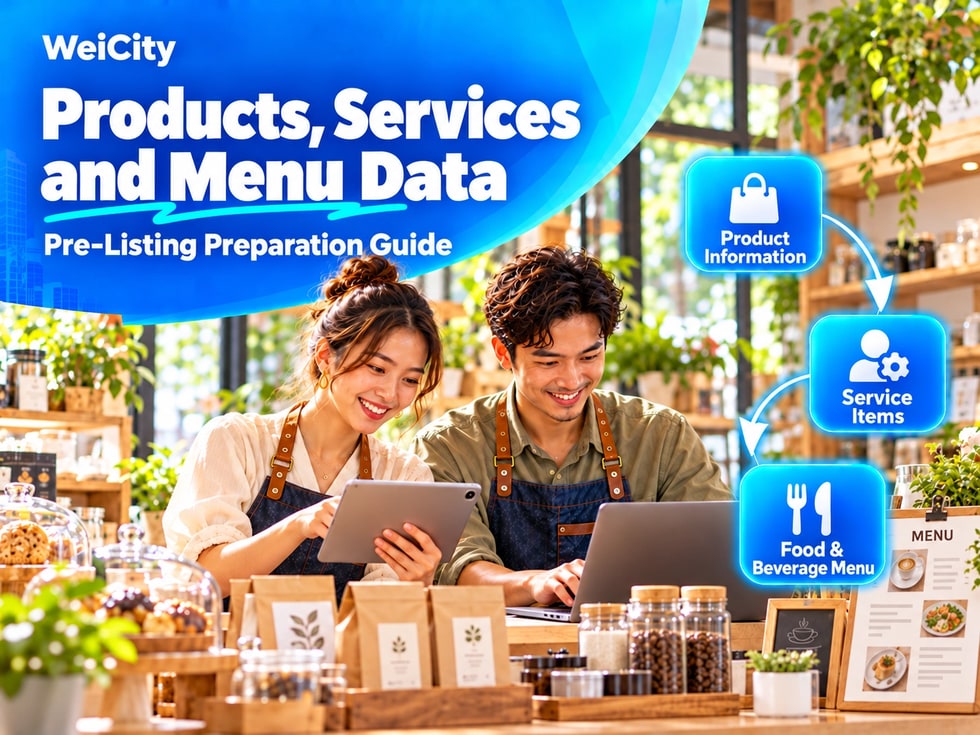
If item names are unclear, price information is incomplete, or images do not match the descriptions, customers have to keep asking questions, and may even leave the channel.
Therefore, before uploading content, it is best to organize all materials in a unified way and then publish them item by item according to categories.
Merchants of different types need to prepare materials that are not exactly the same.
🛍️ Merchants selling physical products
✅ Product name
✅ Product categories
✅ Selling prices
✅ Specifications, sizes or colors
✅ Stock status
✅ Product images
✅ Delivery or pick-up methods
🧰 Merchants providing services
✅ Service names
✅ Service details
✅ Service hours
✅ Charging methods
✅ Service areas
✅ Booking requirements
✅ Notes
🍽️ Restaurant Merchants
✅ Names of dishes or beverages
✅ Menu categories
✅ Unit prices
✅ Portion sizes or specifications
✅ Flavor options
✅ Add-on options
✅ Takeaway and delivery instructions
📌 If a merchant offers both products and services, it is recommended to create separate categories rather than putting all items in the same list.
Categories help customers find the content they need more quickly.
🛒 Common product categories:
• Popular Products• New Arrivals• Daily Essentials• Gift Sets• Seasonal Items• Special Offers
🧾 Common service categories:
• Basic Services• Professional Services• Package Services• Appointment Services• Corporate Services• After-Sales Services
🍜 Common food and beverage categories:
• Main Dishes• Snacks• Beverages• Desserts• Set Meals• Seasonal Specials
⚠️ Category names should be simple and direct. Too many categories make it hard for customers to choose, so at the beginning it is enough to create a few main categories.
Names of products, services and menu items should let customers understand what they are at a glance.
Recommended:
📌 Item feature + product or service name
For example:
✅ Handmade Baked Chocolate Cake
✅ Basic Cleaning Service for Small Offices
✅ Two-Person Family Photography Package
✅ Spicy Fried Chicken Rice Set
✅ Business Card Design Service
⚠️ Avoid overly general names such as "Package A", "Product 02" or "Special Service".
If a technical name must be used, add a simple explanation after it.
Price is important information for customers when making decisions, so it should be explained as clearly as possible.
📦 For physical products, you can provide:
✅ Price per item
✅ Prices for different specifications
✅ Bulk purchase prices
✅ Promotional prices and valid dates
✅ Whether tax or shipping fees are included
🧰 For service items, you can provide:
✅ Fixed fees
✅ Hourly rates
✅ Per-session fees
✅ Starting prices
✅ Whether a quotation is required first
✅ Whether a deposit is required
🍴 For food and beverage menus, you can provide:
✅ à la carte prices
✅ Set meal prices
✅ Add-on fees
✅ Prices for different portion sizes
✅ Takeaway packaging fees
✅ Explanation of delivery fees
If a fixed price cannot be provided, you can write "Prices from RM___" or "Quoted based on actual requirements", and explain the main conditions that affect the price.
⚠️ It is not recommended to write only "Price via private message", because customers cannot judge whether an item fits their budget.
Each main product, service or dish should ideally have a matching image.
Images should, as far as possible:
✅ Show the subject clearly
✅ Have sufficient lighting
✅ Have a tidy background
✅ Show colors close to the real item
✅ Use a consistent image ratio
✅ No excessive filters
✅ Not use online images unrelated to the actual item
✅ Not include too much text in a single image
📷 For physical products, you can photograph the front, side, details and usage scenarios.
🧰 For service items, you can show the work process, service environment, tools used or final results.
🍽️ Food and beverage images should, as far as possible, use the actual portion sizes and plating served, to avoid a large gap between the image and what customers receive.
🔒 Before publishing customer photos, obtain the other party's consent first.
If an item has different choices, they should be listed in advance.
For example:
• 📏 Size: Small, Medium, Large• 🎨 Color: Black, White, Blue• 🍱 Portion: Single, Double• 🌶️ Flavor: Original, Spicy, Less Sugar• ⏰ Service duration: 30 minutes, 60 minutes, 90 minutes• 📦 Package level: Basic, Standard, Premium
If certain choices require an extra fee, this should also be marked in the description, so that customers do not discover a price difference only after placing an order.
In addition to introducing the item itself, you also need to tell customers what they should do next.
Please state:
✅ Whether advance booking is required
✅ Latest booking time
✅ Whether walk-in orders are accepted
✅ Deposit amount and payment methods
✅ Production or preparation time for items
✅ Customer self-pick-up location
✅ Delivery area and fees
✅ Conditions for cancelling or changing orders
✅ After-sales and return/exchange rules
If the quantity of an item is limited, state "While stocks last" or "Stock needs to be confirmed in advance".
It is best for all items to use the same order of information, which makes it easier for customers to read and for merchants to maintain later.
📋 Suggested format:
Item name: Category: Price: Item description: Specifications or options: Suitable for: Preparation or service time: Purchase or booking method: Notes:
Merchants can first organize this information in a spreadsheet or document, and upload it to WeiCity after checking that it is correct.
Before uploading, delete or revise the following content:
❌ Products that have stopped being sold
❌ Cancelled service items
❌ Old menus and old prices
❌ Duplicate items
❌ Expired promotional packages
❌ Specifications that cannot be provided normally
❌ Old images with outdated packaging
If prices change frequently, you may arrange a fixed time to check them, such as once a month or before each new promotion.
When you first set up your channel, you do not need to upload all items at once.
You may prioritize:
⭐ The most popular products
⭐ The services that best represent your business
⭐ The items customers ask about most often
⭐ Menus with confirmed prices and information
⭐ Items with stable profit margins and normal supply
Completing the key content first and then gradually adding other items can reduce the pressure of organizing information and keep your channel clear.
✅ Products, services or menus have been categorized
✅ Every item has a clear name
✅ Prices and charging methods have been explained
✅ Images match the actual items
✅ Specifications, sizes or flavor options are complete
✅ Additional fees have been clearly marked
✅ Inventory or supply status is correct
✅ Booking, ordering or purchasing steps are clear
✅ Delivery, self-pickup and service coverage have been explained
✅ Old items and duplicate information have been deleted
✅ Customers know which channel to use to contact the merchant
Organizing product, service or menu information is not only about making the channel look complete. More importantly, it reduces customer questions, makes it easier for them to choose, and helps them take the next step.
We recommend that merchants start with key items and unify the format of names, prices, images and descriptions. As long as the information is accurate, clear and kept up to date, the WeiCity merchant channel can become a practical entry point that makes it convenient for customers to learn more, make inquiries and make purchases.