

1 How Food & Beverage Merchants Can Use WeiCity: From Menu Display to Customer Contact
Bring together your menu, signature dishes, store environment, and offers in one place, so customers can more easily learn about your restaurant.
How Restaurants, Cafés, Snack Shops, and Bakeries Can Use the WeiCity Merchant Channel: See how to build an online entry point that makes it easy for customers to browse, share, and get in touch, using menu introductions, food photos, business information, and promotion updates.
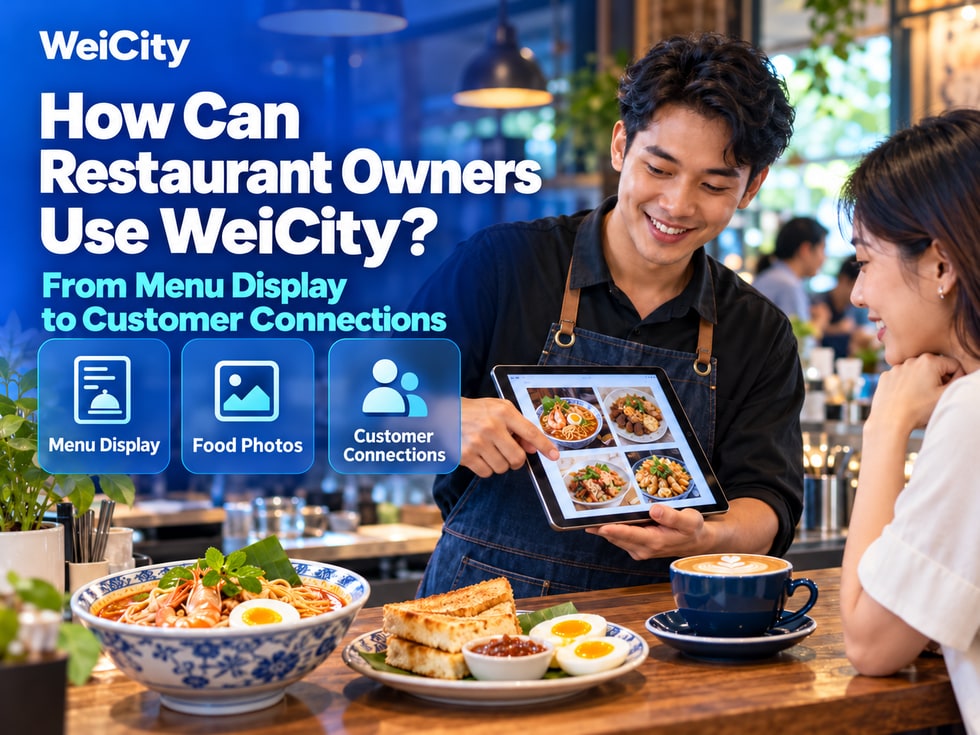
When customers choose a restaurant, they usually want to know:
🔹 What dishes are available?
🔹 How much do they cost?
🔹 Is the environment suitable for group dining?
🔹 Where is it, and what are the opening hours?
🔹 Are there any current promotions?
Through a WeiCity merchant channel, you can present this information in one place so customers can learn about you first, then contact you or visit the store.
✅ Restaurants and snack shops
✅ Cafés and tea shops
✅ Bakeries and dessert shops
✅ Food stalls and cooked-food stands
✅ Merchants offering food-related services
📋 ① Show the menu so customers know what to eat
Organize dishes by category so customers can browse easily.
🔹 Staple foods and noodle or rice dishes
🔹 Snacks and side dishes
🔹 Drinks
🔹 Desserts
🔹 Set meals
For each dish, you can indicate:
✅ Name
✅ Price
✅ Main ingredients
✅ Optional sizes or add-ons
✅ Serving times (where applicable)
📌 If prices, dishes or service arrangements change, update them promptly.
Select a few representative dishes and pair them with clear photos of the actual food and short introductions.
🔸 For example:
Signature breakfast set Describe the included dishes and drinks, serving times and available options.
House specialty noodles Explain the main ingredients, flavors and optional portion sizes so customers can judge whether it suits them.
📌 Items shown in set meal photos should match what is actually included. Extra ingredients or illustrative images must be labeled.
Besides the food, customers also care about the on-site environment.
You can show:
🔹 Storefront sign and entrance
🔹 Seating areas
🔹 Indoor or outdoor dining spaces
🔹 Tables suitable for groups
🔹 Other facilities actually provided
📌 When introducing parking, accessibility facilities or child seats, base the information on actual conditions and state anything customers should confirm in advance.
Help customers find your store easily.
✅ Full address
✅ Opening days and hours
✅ Closing days
✅ Phone and WhatsApp
✅ Branch information (if any)
🔸 If breakfast, lunch and dinner offer different items, you can describe the serving times separately.
📌 Publish a notice promptly when the store temporarily closes or adjusts its hours.
Dining promotions can be based on actual business offerings, such as:
🔹 Set meal deals for specific dishes
🔹 Drink combinations
🔹 Weekday dining offers
🔹 Holiday special menus
🔹 New menu item introductions
✅ Offer details and prices
✅ Valid dates and times
✅ Applicable branches
✅ Conditions of use
✅ How to contact us or take part
📌 Update the status after a promotion ends or when dishes sell out.
🔶 About Us Introduce the restaurant's features, dining style and business story.
🔶 Menu Introduction Present dish categories, prices and related information in one place.
🔶 Signature Dishes Highlight dishes that customers should know about.
🔶 Store Environment Show the entrance, seating and dining spaces.
🔶 Promotions Introduce current valid set deals and promotional activities.
🔶 Business Notices Publish closing days, schedule changes and other updates.
📌 This is an example of content arrangement. You can combine it with the sections and features that your channel actually supports.
Merchants who want customers to place orders after browsing dishes can review WeiCity's Online Ordering feature overview and the corresponding packages.
Before use, confirm the applicable ordering methods, price settings and pickup or other service arrangements, and provide the relevant information to customers.
📌 Showing a menu and accepting orders serve different purposes. Set up entry points only for features that are activated and working properly.
✅ Asking about the menu
“Hello, this is our merchant channel. It includes our menu, dish photos and prices. Feel free to take a look, and let us know which item you're interested in.”
✅ Asking about the dining environment
“Hello, the channel has photos of our store environment. Please tell us the number of people and your planned visiting time so we can confirm the arrangements with you.”
✅ Asking about promotions
“Hello, our latest promotions are posted in the channel, with dates, details and conditions. Feel free to browse.”
🌱 Start by putting the most important information in place for customers
To get started, you can first complete:
1️⃣ A short store introduction
2️⃣ A clear menu
3️⃣ A few photos of signature dishes
4️⃣ Photos of the storefront and environment
5️⃣ Address, opening hours and contact details
Then gradually add new items, promotions and other content.
✅ Are the menu and prices correct?
✅ Do the images match the actual dishes?
✅ Are the address and opening hours clear?
✅ Are the promotions still valid?
✅ Are the contact details correct?
✅ Is the online ordering entry you set up working properly (where applicable)?
Organize your menu, photos, environment and business information so customers can find what they care about as soon as they open the channel.
Share the channel through daily inquiries, social posts and in-store interactions so customers can browse and contact you easily.
Contact us through the official WeiCity channel to learn about the content arrangement and features that suit your store.
WeiCity Make your business visible, and make contact easier.