

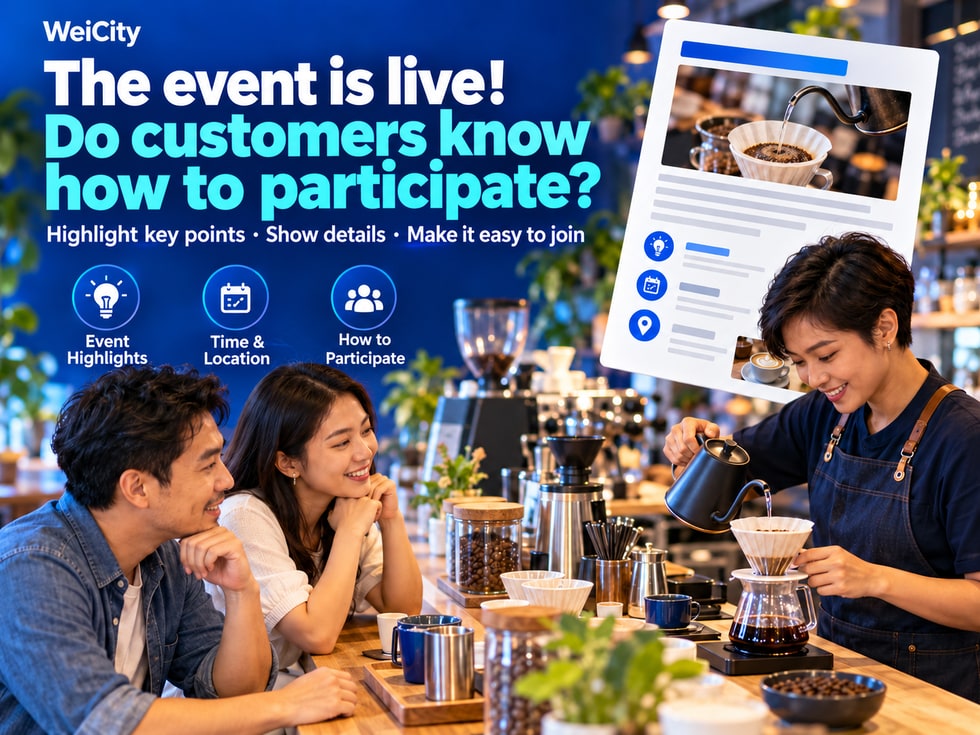
7 📣 The event is out; do customers know how to take part?
Use WeiCity articles to explain event highlights, time and location, and how to participate, making it easier for interested customers to sign up, inquire, or visit.
Your event poster caught attention, but customers are still asking about prices, locations, and how to sign up? With the WeiCity article feature, merchants can provide a complete introduction to the event and then use the article link for social promotion and customer inquiries. Using a coffee experience event as an example, this article explains how to connect "seeing the event" with "knowing how to take part," making communication smoother after promotion.
A customer comments "interested," but then keeps asking:
💬 "When does it start?"
💬 "Can I join without experience?"
💬 "What does the fee include?"
💬 "Where is it? How do I sign up?"
You are busy replying to each question one by one, and customers have to wait until all the information is complete before deciding whether to join.
✨ A complete event article can organize this information in advance, giving the attention your poster attracts a clear next step for learning more and taking action.
Use the article feature of WeiCity to put event details in your merchant channel, then share the link so customers can see the key points at once.
"Welcome to our event" is not enough to help customers decide.
First explain what participants can experience, learn, or gain in practical terms.
For example, a coffee shop hosting a pour-over experience could write:
☕ "Want to try brewing coffee yourself but not sure where to start? This experience will introduce you to basic equipment, let you observe the brewing process, and let you taste coffee made on site."
Clear event highlights help customers judge whether this is an experience they are interested in.
Merchants know who the event is aimed at, but customers may not know whether they are suitable.
You can explain according to the actual arrangements:
✅ Whether it suits people who are new to the activity.
✅ Whether relevant experience is required.
✅ Whether there are age or other participation requirements.
✅ Whether individuals can join, or teams are required.
✅ If someone needs to accompany a participant, how to arrange it.
This information reduces customers' questions and helps merchants receive inquiries from people who meet the event requirements.
An event article should cover at least:
📅 Date and start and end times.
📍 Venue and visiting instructions.
🎉 Event content and a general schedule.
💰 Fees and what they include.
👥 Number of places and participation requirements.
📝 How to sign up and what information to provide.
🎒 Whether participants need to bring their own items.
After reading, customers should be able to tell whether they have time, whether they are suitable, and what to do next.
The following is an example. When publishing, fill in your actual arrangements:
☕ Event theme: First pour-over coffee experience
Want to learn the basic process of pour-over coffee? Come to the shop to get to know common equipment, watch a live demonstration, and try brewing according to the event schedule.
✨ Event content
🔸 Get to know basic equipment and materials.
🔸 Watch a demonstration of the brewing process.
🔸 Take part in the on-site experience.
🔸 Taste the coffee and share your impressions.
Beginners interested in pour-over coffee. State any age limits or other requirements here.
📅 Time and place
Enter the event date, time slot, shop name, and full address.
💰 Fee details
Enter the fee per person and state whether equipment use, materials, and tasting are included.
📝 How to join
Submit your name, number of participants, and preferred session through the specified contact method. After the merchant confirms, payment and next steps will be explained.
This introduction lets customers know what will happen, and makes it easier for merchants to collect the necessary information.
The same event may appear on social media, in chat messages, or in in-store promotions.
You can use short content to attract attention, then provide full details through the article.
📱 Social media: share event photos and highlights, with a link to the details.
💬 Customer inquiries: share the article and point out where to check suitability or how to sign up.
🏪 In-store promotion: pair the article link or the matching QR code so customers can keep reading.
When all event information is in one article, sharing becomes easier.
After reading, customers should know exactly what to do.
For example:
"Want to join? Send your name, number of participants, and preferred session through the contact method provided in the channel, and we will confirm the arrangements with you."
If a registration page is available, provide the corresponding link.
If participants simply come to the shop, also state whether advance confirmation is needed and how customers should take part after arriving.
The clearer the next step, the easier it is for interested customers to act.
🔄 Update promptly when event arrangements change
When places are full, sessions are added, or times change, remember to update the corresponding information in the article and check other promotional materials as well.
After the event ends, you may mark "Event ended" at the top, then provide access to upcoming events or a way to contact the merchant, so customers who see the article later can understand the current situation.
✅ Give complete event details that a poster cannot fit.
✅ Reduce time spent answering repeated questions about time, place, and fees.
✅ Help customers judge whether they are suitable to attend.
✅ Make the information submitted in inquiries more complete.
✅ Provide a clear way to join for social promotion.
👉 Next time you publish an event, prepare a complete introduction in your WeiCity merchant channel, so every share comes with a clear way to take part.