

9 🧰 What do you need to prepare before creating a WeiCity merchant channel?
📋 A simple, practical checklist to help merchants build a complete online business entry point faster
💡 Creating a WeiCity merchant channel does not require complex website materials to begin with. Just organize your brand name, business introduction, contact details, business hours, real images, and main products or services, and you can set up a basic channel. This article explains each item to prepare, helping merchants avoid omissions and get started more smoothly.
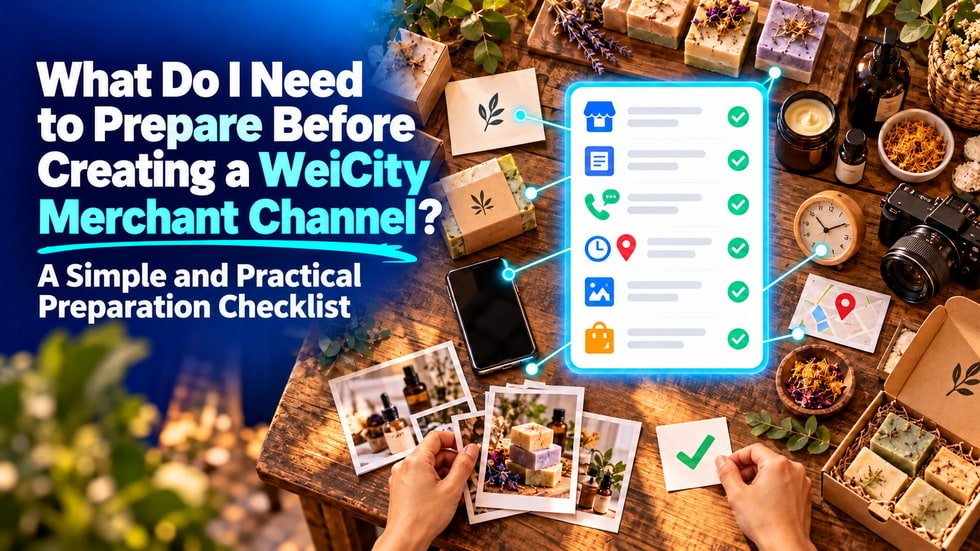
Many merchants want to set up an online channel but have not started because they do not know what information to prepare.
In fact, creating a merchant channel does not require planning a complex website first, nor does it require preparing a large amount of content all at once.
As long as you organize basic brand information, contact details, images, and your main products or services, you can set up a usable channel first and then gradually improve it as your business needs change.
The checklist below can help you get started faster and reduce the chance of missing important information when setting up your channel.
First, decide on the merchant name that customers will see in the channel.
The merchant name should match your physical store sign, social media accounts, or the name you use day to day, so customers do not become confused by different names.
You should also choose the category that best fits your main business.
• Restaurants, cafés, or home dining
• Retail stores, online shops, or branded products
• Beauty, hair, or health services
• Repair, cleaning, or other local services
• Education, training, or professional courses
• Photography, design, or creative services
• Personal brands, creators, or freelancers
• Corporate services or other commercial businesses
If you run several businesses, you can select the main one first and then add your other services in the merchant introduction.
The brand avatar and cover are the first visual content customers see when they enter the channel.
The brand avatar can use a trademark, store logo, or a clear personal brand photo.
The channel cover can show your storefront, main products, service scenes, or brand image.
• Images should be clear and avoid blurriness or excessive compression
• Leave adequate space around the trademark so it is not cropped
• Try to highlight one main business on the cover
• Avoid adding too much small text to images
• Use colors and a style that match your actual brand
If you do not yet have a complete brand design, you can start with simple, clear, and authentic images and update them later.
The goal of the merchant introduction is to help customers who are meeting you for the first time quickly understand your business.
You do not need complicated promotional language, and it does not need to be very long.
You can answer the following questions:
• Who are you?
• What products or services do you offer?
• Which customers do you mainly serve?
• Where are you located, or which areas do you serve?
• What are the distinctive features of your business?
For example:
We are a home bakery studio located in Kuala Lumpur, offering birthday cakes, dessert gift boxes, and custom event orders. Customers can book in advance and choose self-pickup or delivery to designated areas.
This kind of introduction helps customers quickly understand your business and makes it easier for them to judge whether it meets their needs.
If the merchant has a physical store, prepare a complete and accurate address.
• Building or house number
• Street or commercial district name
• City and state
• Postal code
• Nearby landmarks that are easy to identify
• Whether customers can visit the store directly
If there is no physical store, you can explain your service method and coverage area instead.
• Whether on-site service is offered
• Which areas you can serve
• Whether delivery or postal shipping is supported
• Whether customers need to book in advance
• Whether only online orders are accepted
If a home-based operator does not want to make a private home address public, they can list only the service areas that are suitable to share publicly and confirm detailed arrangements with customers through contact channels.
Business hours help customers decide when it is suitable to visit the store or contact the merchant.
• Days of operation each week
• Daily opening and closing times
• Regular closing days
• Special arrangements for public holidays
• Whether only appointments are accepted
• Response times for online inquiries
If your business hours change, update your channel information promptly to avoid customers arriving at the store only to find it closed.
After learning about the merchant, customers need a clear way to get in touch.
Merchants can prepare:
• Contact phone number
• WhatsApp or other commonly used chat methods
• Email address
• Social media accounts
• Booking or inquiry methods
• Customer service hours
It is recommended to use business contact methods that can be managed over the long term, rather than temporary numbers that change often.
Before publishing, also test whether phone numbers, links, and buttons work properly.
Authentic images help customers understand how the merchant actually operates.
You do not need to upload a large number of photos at once. You can start by selecting five to ten of the most representative images.
• Storefront
• In-store environment
• Main products
• Service process
• Finished work
• Packaging method
• Work team
• Equipment or workspace
• The environment customers will see when they visit the store
Try to use photos with good lighting and tidy compositions.
Avoid uploading stock images unrelated to your actual business, and do not publish customers' private information or photos of people without their consent.
Merchants do not need to upload all products at the beginning.
You can start by selecting the most popular, most representative products or services, or the ones you most want customers to know about.
For each item, you can prepare:
• Product or service name
• Short description
• Clear images
• Price or price range
• Specifications, styles, or packages
• Time required
• Whether a booking is required
• Delivery, self-pickup, or in-store options
• Things to note before purchasing
If prices must be calculated based on customer needs, you can state "Contact the merchant for a quote" and explain the main factors that affect the price.
Merchants need to decide in advance what action customers should take after reviewing the information.
• Contact the merchant directly
• Visit the physical store
• Book a service time
• Submit an Online Ordering request
• Add products to the cart
• Complete online payment
• Wait for the merchant to confirm the order
The clearer the next steps are, the less likely customers are to drop off along the way.
If the transaction feature is not yet enabled, you can still provide a clear way to contact you or make an appointment.
If your business involves delivery, pickup, appointments or on-site services, you can organize the relevant rules in advance.
• Delivery areas
• Delivery fees or how they are calculated
• Pickup locations and times
• How many days in advance appointments must be made
• Late arrivals, rescheduling or cancellation of appointments
• Time needed to prepare products or deliver services
• Whether a deposit is required
• What confirmation customers receive after placing an order
These notes do not need to be complicated, but they should match how your business actually operates.
After your channel is set up, you can publish a simple welcome post to let customers know the channel is now in use.
• Introduction to the new channel
• Welcome offer for new customers
• Popular product recommendations
• Services available this month
• Holiday promotions
• Reminders for store visits or appointments
• Brand story
Offers should clearly state the valid period, conditions of use and how to participate. Avoid writing only “limited-time offer” without providing complete details.
In addition to products and services, merchants can also introduce their brand through articles or updates.
Your first post could be:
• Why you started this business
• An introduction to your main products or services
• What customers need to know before their first purchase
• Your production process or way of working
• Frequently asked questions and answers
• How to book, buy or visit
Posts do not need to be long. The key is to provide information that is genuinely helpful to customers.
Before officially making your channel public, you can run through a simple check.
• Whether the merchant name is correct
• Are the brand avatar and cover clear?
• Is the merchant introduction easy to understand?
• Whether the address and map location are accurate
• Are the business hours complete?
• Do the contact details work properly?
• Are the images authentic and clear?
• Is any product or service information missing?
• Are prices and important conditions explained?
• Do customers know what to do next?
• Does the content contain any errors or outdated information?
• Is it easy to read when viewed on a phone?
Once these basic checks are complete, you can launch your channel and keep improving it based on customer feedback.
Many merchants delay getting started because they want to prepare every detail and feature perfectly all at once.
But an online channel can grow along with your business.
In the first stage, you can focus on:
• Merchant name
• Short description
• Address or service area
• Business hours
• Contact details
• Five representative images
• Three main products or services
Once these basics are ready, your business already has a clear and practical online entry point.
You can then gradually add more products, articles, offers, Online Ordering, appointments or payment features.
The key to creating a merchant channel is not filling in as much information as possible at once, but helping customers understand your business accurately and take the next step smoothly.
Prepare content that is authentic, clear and useful first, then keep updating it as your business evolves.
A merchant channel built this way can become a long-term online space for your business.
👉 Organize your merchant name, introduction, contact details, images and main products, and start creating your own WeiCity merchant channel.