

WeiCity 官方频道 — 新手指南、云盘技巧、商家入驻、创作者变现与产品动态。 / The official WeiCity channel — getting started guides, Cloud Drive tips, business onboarding, creator monetization and product updates. Everything about wei.city in one place.
Open Your Shop by Just Chatting|和 AI 聊几句就把店开起来
Describe your business in one sentence and our AI assistant sets up your channel — details, artwork, home page and sections. / 用一句话描述你的生意,AI 助手就能帮你把频道开起来——资料、招牌图、首页内容和栏目一次搞定。

Setting up a channel on WeiCity used to mean working through a form: name, region, business category, banner, logo, home page content, sections, contact details. For a lot of shop owners that is the point where the tab gets closed.
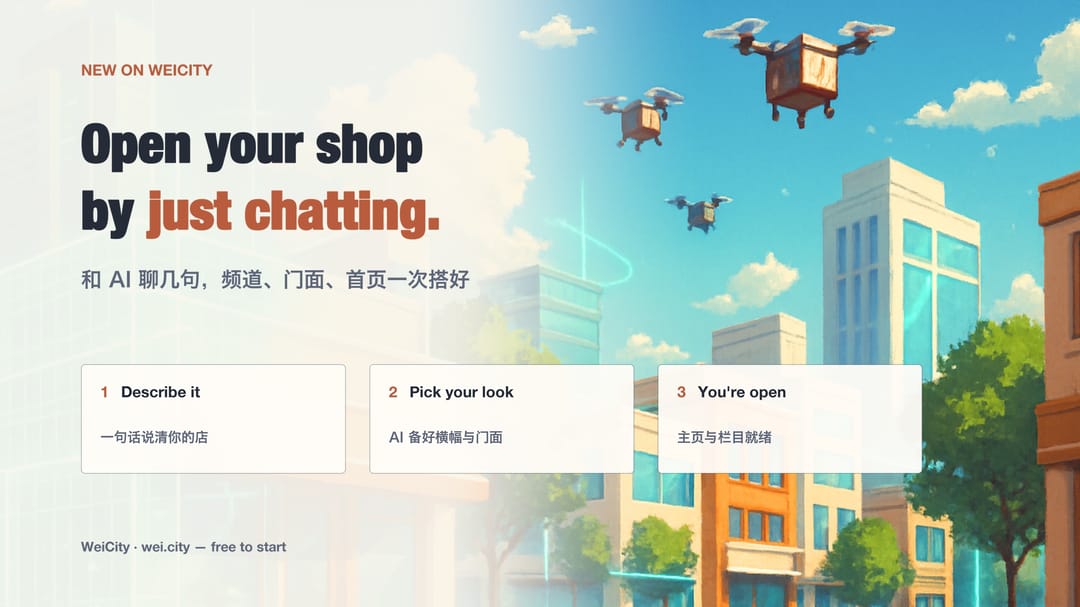
Tell the assistant about your business in one sentence — something like “I run a Hainanese chicken rice shop called Riri Xiang in Penang, been open eight years.” From there it asks a few short questions and fills in the rest with you.
You can upload your own images, which go through exactly the same cropping tool as the channel settings page. Or you can ask the AI to draft three banners and three logos in different styles and simply pick one. Not in the mood for either? Skip it — you can add artwork at any time later.
Based on your description, the assistant writes a home page introduction with an illustration, and suggests a handful of sections that suit your line of business. A restaurant, for example, tends to get Food Ordering and a Takeaway Menu. Rename them, untick the ones you don't want, or add your own — and you can still change everything from inside your channel afterwards.
It will never write your phone number, address, WhatsApp or Telegram for you. Those four fields are yours to fill in, deliberately: an invented phone number would be shown to your customers as though it were real. It also cannot invent a region or a business category — everything it proposes is checked against our actual directory before it can be saved.
The classic form at Create Channel never went away. If the AI is unavailable or you have used up the day's allowance, the page will offer to hand you over to the form, carrying the region and categories you have already settled on. Your shop still opens.
Ready? Head to wei.city and look for “Let AI set it up” on the create-channel page.
以前在 WeiCity 开一个频道,要从头填一张表:名称、地区、经营类别、招牌图、头像、首页内容、栏目、联系方式。对不少店主来说,这一步就是关掉页面的那一步。
用一句话告诉助手你做什么生意——比如「我在槟城开了一家叫日日香的海南鸡饭店,开了八年」。接下来它会问几个简短的问题,和你一起把剩下的填完。
你可以自己上传,走的是和频道管理页完全相同的裁剪流程;也可以让 AI 生成三张招牌图和三个头像,不同风格,挑一张就行。两样都不想弄?跳过也行,以后随时能补。
助手会按你的描述写一段带配图的首页介绍,再建议几个适合你这一行的栏目——餐饮通常会给「在线点餐」和「外带菜单」。栏目可以改名、可以取消勾选、也可以自己加,建好之后在频道里同样随时能改。
它绝不会替你写电话、地址、WhatsApp 或 Telegram。这四项刻意留给你自己填:编出来的电话会被顾客当成真的。它同样编不出地区和经营类别——它提的每一项都要先经过我们真实的目录校验,才可能被保存。
原本的表单一直都在。如果 AI 暂时用不了、或者当天的额度用完了,页面会直接把你交接到表单继续,并把你已经确定好的地区和分类一起带过去。店照样开得成。
想试试?去 wei.city 的创建频道页面,找「让 AI 帮我建」。