

10 How Do You Update and Maintain a WeiCity Channel After Launch? A Guide to Ongoing Operations
Set up daily, weekly, and monthly maintenance routines to keep channel information accurate and customer inquiries handled promptly.
Launching a WeiCity merchant channel does not mean the setup work is finished. Merchants still need to keep replying to customers, update business information, check product prices, handle expired promotions, and publish new content. This article provides a simple daily maintenance process and schedule to help merchants keep their channel accurate, active, and trustworthy over the long term.
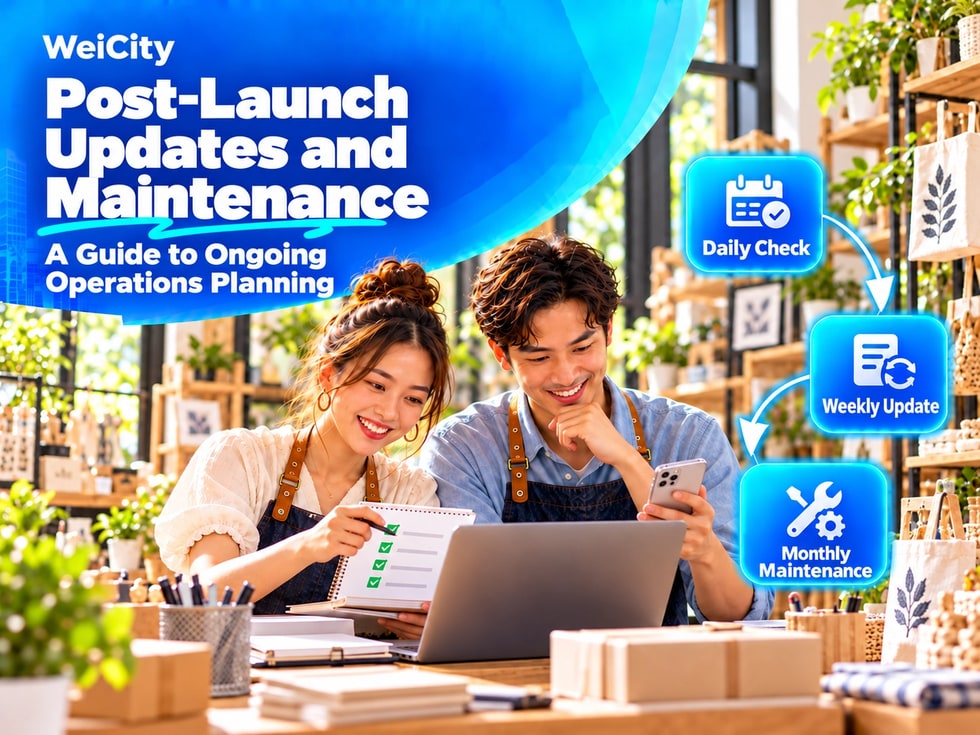
If the channel is not updated for a long time, problems may arise, such as incorrect business hours, outdated prices, discontinued products still being displayed, or customer messages going unanswered.
Therefore, merchants need to establish a simple maintenance plan that can be carried out over the long term.
1️⃣ Going Live Is Just the Beginning
The main maintenance tasks after the channel goes live include:
✅ Replying to customer inquiries
✅ Updating basic business information
✅ Adjusting products, services, or menus
✅ Publishing articles and updates
✅ Checking images and videos
✅ Removing expired promotions
✅ Managing staff permissions
✅ Handling account and information security issues
📌 Merchants do not need to change all content every day, but should check regularly to ensure that public information matches actual business operations.
We recommend assigning one main person to handle channel maintenance in a consistent way.
The manager can be responsible for:
👀 Checking customer messages every day
📅 Scheduling content publication times
🕒 Updating business hours and contact information
🛍️ Checking product and service information
👥 Coordinating other staff
📝 Recording issues that need to be corrected
⚠️ Reporting unusual situations to the business owner
If multiple people manage the channel together, clearly define each person's responsibilities to avoid everyone assuming someone else will handle a task.
Daily maintenance does not need to take much time; the key is to respond to customer needs promptly.
📅 Check every day:
✅ Whether new customer inquiries have been received
✅ Whether any messages are still awaiting a reply
✅ Whether phone and WhatsApp are working properly
✅ Whether today's business hours have changed
✅ Whether popular products have sold out
✅ Whether there are errors that need immediate correction
✅ Whether today's promotions are still valid
⚠️ If you are temporarily closed, close early, or a service is suspended on a given day, update the channel or post an update to notify customers as soon as possible.
Set aside a fixed time each week to do a simple review of the channel content.
📆 Each week:
✅ Post one or two business updates
✅ Review the questions customers asked this week
✅ Update products that are out of stock or back in stock
✅ Check booking and inquiry entry points
✅ Check for expired promotions
✅ Add new photos of storefronts, products, or services
✅ Organize customer feedback
For example, you could set Monday as the information review day and post weekend promotions or new product information on Friday.
Carry out a more thorough channel review once a month.
🗓️ Check each month:
✅ Merchant name and introduction
✅ Address and map location
✅ Business hours and closing days
✅ Phone, WhatsApp, and other contact entry points
✅ Prices of products, services, or menu items
✅ Images, articles, updates, and videos
✅ Staff and account permissions
✅ Backup status of important information
📌 If the same problem keeps occurring, consider changing your workflow rather than only fixing the surface-level errors each time.
Business hours are the information customers use most and the information most likely to change due to holidays or temporary situations.
Update promptly in the following situations:
📅 Public holidays
🎉 Extended hours during festivals
🚪 Temporary closures
🛠️ Storefront renovations
📍 Business relocation
🎪 Special events
⏰ Changes to appointment time slots
🚚 Suspended delivery services
If a change only affects short-term operations, you can post an update stating the start and end dates. For long-term changes, also update the basic business information in your channel.
If a phone line cannot be reached or a WhatsApp number has been deactivated, customers' trust in the business will be directly affected.
Merchants should regularly confirm that:
📞 The phone number is still active
💬 WhatsApp uses the correct business number
✉️ WeiCity Micro Messages are being checked
📧 The email address can receive messages
👤 The staff member responsible for replies is still employed
🤖 Auto-reply content is up to date
⏱️ Customers receive a response within a reasonable time
⚠️ When changing a phone number or person in charge, update all related content in the channel at the same time.
Product and service information should match actual availability.
Update promptly:
💰 Sale prices
📦 Stock levels
📏 Product specifications
📍 Service areas
📅 Appointment time slots
🍽️ Menu items
🎁 Package contents
🚚 Delivery fees
🛒 Purchase conditions
Items that have been discontinued should be removed or marked as temporarily unavailable. Products that are temporarily out of stock should also have their status updated, so customers do not find out only after asking that they cannot buy them.
Promotions usually have clear deadlines and must be handled promptly.
When publishing a promotion, record:
✅ Start date
✅ End date
✅ Applicable items
✅ The terms of use
✅ Person in charge
✅ How to handle it after the promotion ends
⏰ After a promotion ends, stop displaying it, update its status, or publish an end notice.
⚠️ Do not leave expired offers in prominent positions on your channel, as customers may then ask to keep using the old prices.
Posting content regularly helps customers learn about your latest updates, but you do not need to post every day.
You can schedule:
① Week 1: Introduction to products or services
② Week 2: Common customer questions
③ Week 3: Daily operations or work processes
④ Week 4: Case studies, promotions, or new product news
Other content topics include:
🛍️ How to use products
🧰 Service process
🏪 Store environment
👥 Work team
📦 New product arrivals
🎉 Holiday arrangements
❓ Common customer questions
📚 Industry knowledge sharing
📌 Posting frequency should match your capacity. Updating steadily once a week is usually easier to sustain than posting a lot in a short period and then stopping for a long time.
Questions customers repeatedly ask show you what content your business should add.
For example, customers often ask:
❓ How much does it cost?
❓ How do I make a booking?
❓ Do you offer delivery?
❓ Which areas do you serve?
❓ What time do you close?
❓ Do you accept last-minute orders?
You can add the answers to product descriptions, articles, updates, or FAQs, so the next customer can find the answer more easily.
Your store environment, packaging, uniforms, or products may change.
Update images or videos when:
📷 The store has been renovated
🎨 The logo or packaging has been changed
🍽️ The way dishes are plated has changed
🧰 The service process has been adjusted
💰 Prices shown in videos are out of date
📞 Addresses or phone numbers in images are no longer in use
🔒 Staff or customers no longer agree to the continued use of related photos
You do not need to replace all materials at once. Start with the channel cover, popular items, and main service content.
We recommend keeping a simple channel maintenance record.
Records can include:
📅 Date of change
👤 Person who made the change
📝 Item changed
📄 Original information
✅ Updated information
❓ Reason for change🔍 Whether it has been checked
For example:
Item changed: Business hoursChange: Sunday changed to closedPerson in charge: Channel administratorStatus: Checked
Maintenance records help you confirm when information was updated and make handovers easier when several people manage the channel.
After your channel is live, account security still needs to be checked regularly.
Merchants should pay attention to:
❌ Do not share account passwords in public chat groups
❌ Do not give verification codes to strangers
✅ Remove access immediately when an employee leaves
✅ Change passwords that were once shared
✅ Check linked phone numbers and email addresses
✅ Handle the account immediately if a device is lost
✅ Regularly back up important images and copy
🚨 If you notice unfamiliar changes, abnormal logins, or deleted information, change your password immediately and contact WeiCity official support.
If you find several issues, you can handle them in this order:
① Account security and customer privacy
② Incorrect phone numbers, addresses, and business hours
③ Incorrect prices and purchase conditions
④ Customer inquiries that have not yet been answered
⑤ Expired promotions and discontinued items
⑥ Image, article, and layout optimization
📌 Resolve issues that directly affect customers or merchant safety first, then handle general content updates.
☀️ Daily checks
✅ Check new customer inquiries
✅ Reply to unprocessed messages
✅ Confirm temporary changes to business operations
✅ Update items that are out of stock or services that are suspended
📆 Weekly checks
✅ Publish new merchant updates
✅ Check contact options
✅ Remove or update expired promotions
✅ Organize frequently asked customer questions
✅ Add new images or content
🗓️ Monthly checks
✅ Verify name, introduction, and business category
✅ Check address, map, and business hours
✅ Verify products, services, menus, and prices
✅ Check articles, Gallery, and videos
✅ Check administrators and account permissions
✅ Back up important information
🚨 Handle immediately when changes occur
✅ Business relocation
✅ Contact number change
✅ Change in business hours
✅ Price or menu adjustments
✅ Departure of a manager
✅ Abnormal account security activity
Keeping your WeiCity merchant channel effective does not require a complex operations team. The key is to build a consistent checking routine.
Handle customer messages every day, update business content every week, complete a thorough check every month, and make immediate changes when important information changes. This will help your channel stay accurate, active, and trustworthy over the long term.
After completing these ten Getting Started articles, you will have a complete process covering information preparation, channel setup, content publishing, and ongoing maintenance.