

80 How Can Lock and Locksmith Merchants Use WeiCity? From Product Introduction to On-Site Service
Showcase lock types, installation and repair, service areas, and reference materials in one place, helping customers learn more about products and contact you to confirm arrangements.
How can lock shops, locksmiths, and smart lock installation teams use WeiCity? Build a service channel that makes it easy for customers to browse, confirm their needs, and contact you through product categories, service descriptions, installation requirements, and on-site consultation guidance.
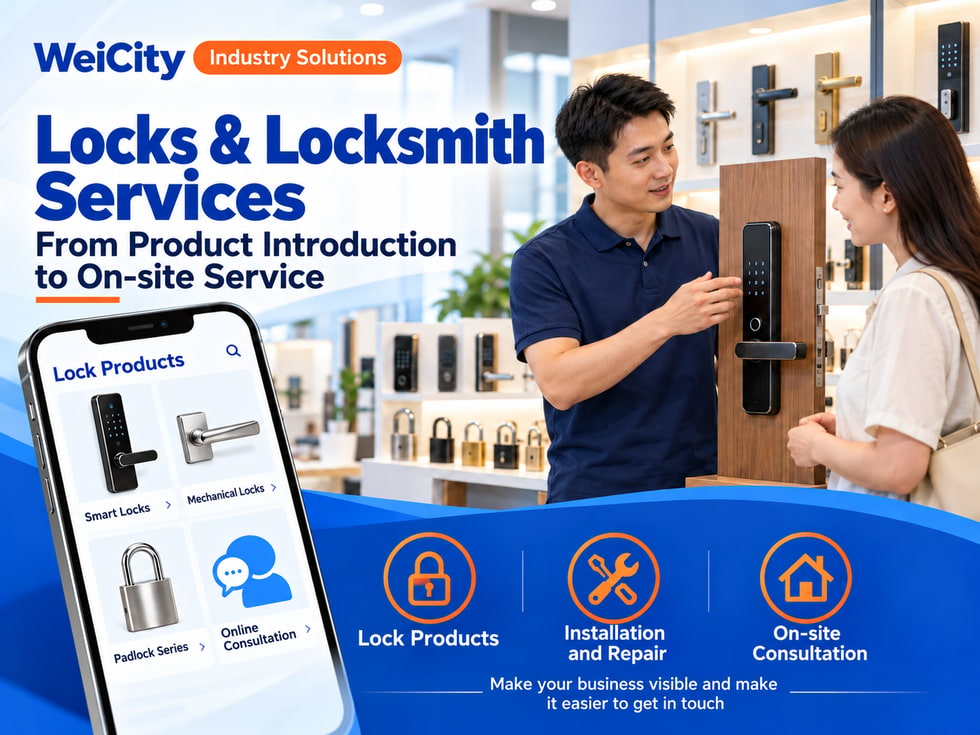
From product introductions to on-site services
“Can a smart lock be installed on this door?”
“If my door lock is broken, can someone come to check it?”
“If I want to change my lock, what information do I need to provide?”
“Do you offer key duplication services?”
“Do you serve this area?”
When customers look for lock or locksmith services, they usually need to first confirm the door type, existing lock, installation conditions, and service area. Some want to buy a new lock, some need repairs, and others have urgent problems and want to contact a merchant quickly.
💡 With WeiCity, you can create your own merchant channel and organize your products, services, and contact methods, so customers can first understand what you offer before contacting you to confirm a suitable arrangement.
✅ Lock Retail Stores
Show the locks, padlocks, and related accessories actually sold.
✅ Locksmith Service Providers
Introduce lock replacement, repair, key services, and other actual services.
✅ Smart Lock Merchants
Organize device models, features, and installation requirements.
✅ On-Site Installation Teams
Explain service areas, installation items, and booking methods.
✅ Commercial Lock Service Providers
Introduce lock services for offices, shops, or other premises.
📌 Describe services according to your actual business scope. Installation conditions may vary for different doors, locks, and devices.
🔹 Mechanical Door Locks
Organize by lock type, size, and suitable conditions.
🔹 Smart Door Locks
Introduce the models and product information actually sold.
🔹 Padlocks and Other Locks
Show sizes, uses, and included accessories.
🔹 Installation and replacement
Explain how customers can submit door information and book services.
🔹 Inspection and Repair
Introduce the lock issues you actually handle and how inspections are done.
🔹 Key and Accessory Services
Explain the items you can provide and cases that require checking in store.
💡 Start with the most frequently asked products and services, then gradually add model numbers and detailed information.
Recommended to specify:
✅ Brand and full model
✅ Product dimensions and materials
✅ Suitable doors or installation conditions
✅ Accessories included in the package
✅ Functions actually provided
✅ Whether installation service is included
✅ Warranty and after-sales inquiry method
🔶 Example: Smart Door Lock Introduction
Product name: Clearly state the brand and model.
Product features: Introduced according to the corresponding model information.
Installation conditions: Door, dimensions, and existing lock must be checked.
Included items: Describe the device and accessories.
How to inquire: Contact the merchant to confirm stock, installation, and price.
📌 Features and compatibility may vary by model. Product information and on-site assessment should be the basis.
Customers are advised to prepare the following when it is safe and convenient:
🔹 Full photo of the door
Helps the merchant understand the door and site conditions.
🔹 Front and back of the lock
Makes it easier to identify the existing lock.
🔹 Door edge and lock installation position
Helps make an initial check of installation conditions.
🔹 Brand and model label
Clear photos can be provided if available.
🔹 Basic Dimensions
Measure as requested by the merchant and state the units.
📌 Customers do not need to dismantle the lock themselves. Photos are used for initial communication, and an accurate fit may still require an on-site inspection.
🚪 What should be confirmed before installing a smart door lock?
Suggested content:
✅ Door material and structure
✅ Door thickness and installation space
✅ Existing lock and drilling condition
✅ Opening direction
✅ Whether additional construction is involved
✅ Power and maintenance requirements of the selected model
💡 Placing a checklist in the channel helps customers provide more complete information in one go when they inquire.
📌 Installation feasibility and construction work should be further confirmed by the installation staff.
You can list:
🔹 Regular service areas
Explain the areas you currently serve regularly.
🔹 Locations that need to be confirmed separately
Remind customers to provide a complete address.
🔹 Service hours
Note the time slots when you can usually be contacted or booked.
🔹 Temporary service arrangements
If offered, explain that staff and routes must be checked first.
🔹 On-site visit and booking confirmation methods
Tell customers how to confirm that a service has been arranged.
📌 On-site times should be based on the information actually confirmed by the merchant. Submitting an inquiry does not mean an appointment has been completed.
If you offer lock-opening services, you can state the following in your channel:
✅ Services are provided only for customers who are authorized to use the relevant premises or items
✅ Identity or proof of right of use may be requested on site
✅ Customers should first ask what materials they need to prepare
✅ If authorization cannot be confirmed, further verification is required before arranging service
💡 Explaining verification requirements in advance lets customers prepare the necessary materials before the service.
📌 Identity and authorization documents should be checked through the private channel designated by the merchant, and should not be published publicly.
Recommended to specify:
✅ Whether the lock price includes installation
✅ Whether on-site inspection or travel is charged
✅ How additional materials and work are priced
✅ Whether different time slots have different fees
✅ How fees are confirmed before repair
✅ Whether replacement parts are charged separately
🔶 For example:
“Please first provide the location, photos of the lock, and your service needs. After we check, we will explain the on-site arrangement and fees. If extra parts or work are needed, we will confirm with you first.”
📌 Product, installation, repair, and other fees should be clearly explained before service begins.
You can organize:
🔹 Warranty scope and period
🔹 Purchase or installation records customers should keep
🔹 How to contact you if a problem occurs
🔹 How to look up batteries or parts
🔹 How to obtain product manuals and usage materials
🔹 How to book repair or inspection
📌 Usage and maintenance requirements should follow the instructions for the specific model. Customers should keep passwords, keys, and other lock-opening credentials safe.
🔹 About Us
Introduce your store, service scope, and contact information.
🔹 Lock products
Categorize by mechanical locks, smart locks, and other products.
🔹 Installation and lock replacement
Organize installation requirements and inquiry materials.
🔹 Inspection and Repair
Explain the services you actually provide.
🔹 Service Areas and Hours
List on-site service areas and booking methods.
🔹 After-sales service and FAQs
Answer questions about parts, warranty, and maintenance.
💡 When starting out, you can first include representative products, main services, and an on-site visit guide, then add more models later.
🔶 Customer asks: “Can I install a smart lock on this door?”
You can reply:
“Hello, here is our product and installation information. Please send photos of the whole door, both sides of the lock, and the door edge. We will review them first, then confirm whether an on-site assessment is needed.”
🔶 Customer asks: “My lock is broken. Can someone come take a look?”
You can reply:
“Please provide your area, photos of the lock, and the current problem. We will confirm the service scope, booking method, and fee information for you.”
🔶 Customer asks: “How much does a whole new set of locks cost?”
You can reply:
“The cost will be confirmed based on the lock model, installation conditions, and scope of work. You can first provide information about the existing lock and door, and we will then check the product and installation arrangements.”
1️⃣ Basic merchant information
Name, address, business hours, and contact information.
2️⃣ Product categories
Organize the main locks and representative models.
3️⃣ Service items
Explain the actual work offered, such as installation, lock replacement, and repair.
4️⃣ Inquiry materials checklist
Tell customers which photos and information to provide.
5️⃣ On-site visit and fee information
Organize service areas, booking, and quotation methods.
✅ Are product models and functions accurate?
✅ Do the photos match the actual products?
✅ Are the installation conditions clearly stated?
✅ Are on-site areas and times clearly confirmed?
✅ Are fees and after-sales scope explained?
✅ If lock-opening services are offered, are authorization verification requirements stated?
Once your locks, installation conditions, and inquiry guide are organized in your channel, you can use them to reply to customers, introduce new products, and promote regularly.
Customers can first learn about products and services, then provide door, lock, and location information. Merchants can use this to continue confirming compatibility, quotes, and on-site arrangements.
Want to learn how to set up a Locks & Locksmith merchant channel?
Feel free to contact us through WeiCity's official channel contact details, and we can work together to organize display content suited to your business.
WeiCityMake your business visible and your contact easier.