

4 How to Create a Restaurant's Online Menu? A Guide to Preparing Dish Images, Prices, and Descriptions
From dish photos to price details, organize your menu information so customers can better understand their options before ordering.
What information should a restaurant prepare before launching an online menu? This article explains how to organize dish names, photos, prices, portion sizes, and dish descriptions, and shares checking methods before publishing the menu, helping customers see exactly what they are ordering online and reducing questions caused by incomplete information.
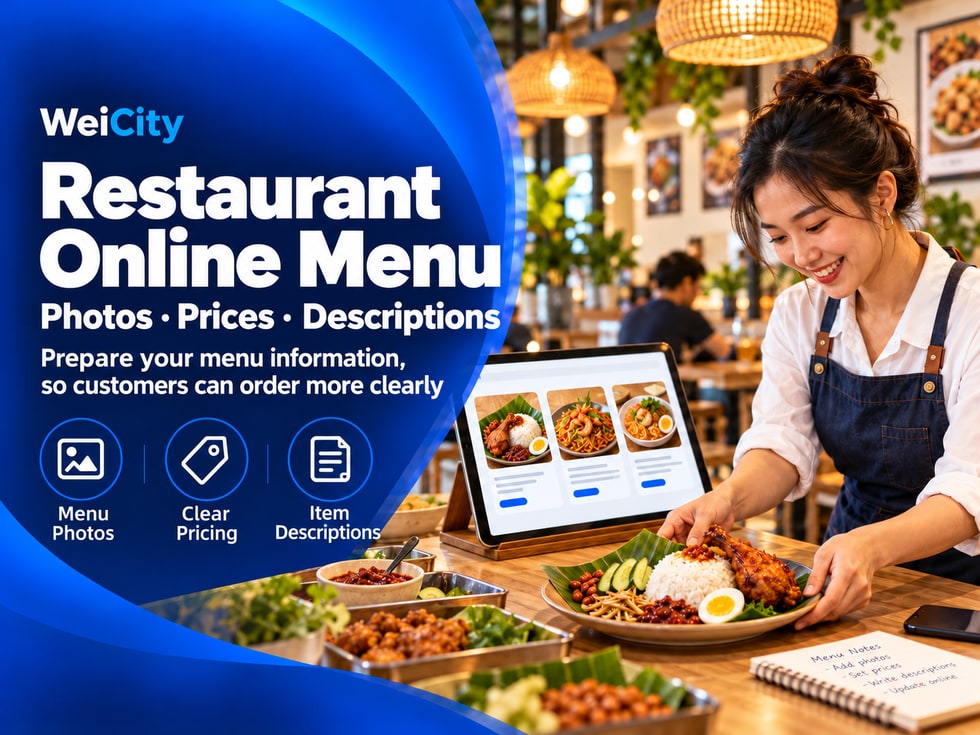
When customers browse a menu online, they cannot ask staff directly as they would in a restaurant, nor can they see the actual dishes right away.
If a dish has only a name, and its price or contents are not clearly stated, customers may not know how to choose and will need to contact the merchant to confirm.
🍽️ When preparing an online menu, you can first organize each dish's name, photo, price, and description, then upload them to the WeiCity Online Ordering page. The clearer the information, the easier it is for customers to browse and choose.
Before publishing your menu, it is recommended to prepare basic information for each dish.
✅ Dish name: Use a name customers can easily understand.
✅ Dish photo: Where possible, show the dish as it is actually served.
✅ Price: Check the current selling price and add-on prices.
✅ Dish description: Explain the main ingredients, pairings or highlights.
✅ Portion information: Where necessary, state the suitable number of people or approximate portion size.
✅ Optional items: Organise flavours, add-ons or other optional items.
You may first organise the information in a table, then add each item to your online menu after confirming it is correct.
If names are too simple, customers may not be able to tell the dishes apart.
For example, if you only write "Set A", customers may not know what the set includes. You could write "Pan-Fried Chicken Chop Rice Set" instead, which makes it easier to identify.
✅ Include the main ingredient or type of dish in the name.
✅ Use different names for dishes with different flavours or cooking methods.
✅ Avoid internal abbreviations that only staff are familiar with.
✅ Set names should match what is actually provided.
Clear names help customers find the dishes they want more easily while browsing the menu.
Photos help customers understand the appearance and portion of a dish. When choosing menu images, it is recommended to prioritise photos of the dishes you actually serve.
📷 Use good lighting so the dish is clearly visible.
🍽️ Keep the frame tidy and avoid clutter covering the dish.
🥗 Focus on the dish and keep its main contents fully visible.
🔍 If the same menu item has several images, choose the one that best represents the dish as the main display image.
If a photo differs greatly from the actual dish, customers may feel disappointed when they receive their food.
Remember to check whether images need updating after changing the plating or the dish itself.
Before ordering, customers need to know the price of each dish and whether choosing add-ons will increase the cost.
For example, you may list them separately:
🍗 Chicken chop rice: RM18.
🥚 Add egg: extra RM2.
🍚 Add rice: extra RM2.
🧀 Add cheese: extra RM3.
The above amounts are examples only. Replace them with your actual prices before publishing.
If prices vary by size, portion or option, state this beside the relevant dish or option so customers do not discover different charges only at checkout.
Dish descriptions do not need to be long. The key is to let customers know the main contents.
Descriptions may include:
🔸 Main ingredients or flavours.
🔸 Side dishes, sauces or drinks served with the meal.
🔸 Dishes included in a set.
🔸 Any special portion or sharing-size information.
For example:
🍱 Pan-Fried Chicken Chop Rice
Tender pan-fried chicken chop served with steamed rice, seasonal vegetables and house-made sauce. Set contents are subject to the details on the page.
If a side dish or drink must be selected separately, state this clearly so customers do not assume it is included in the base price.
When there are many dishes, you may organise sections in a way familiar to customers so they can find their desired dish more easily.
🍚 Staples and rice dishes.
🍜 Noodles and soups.
🍟 Snacks and side dishes.
🥤 Drinks.
🍱 Sets and sharing meals.
Section names should be short and easy to understand.
Place each dish in the most suitable section where possible to avoid a cluttered menu structure.
Once your menu information is ready, it is recommended to review it once from the customer's perspective.
✅ Are the dish names clear and free of typos?
✅ Do the images match the correct dishes?
✅ Do the prices match the current prices in your shop?
✅ Are the contents of each set clearly stated?
✅ Are add-on options and extra charges clear?
✅ Have dishes that are temporarily unavailable been updated to the correct sales status?
✅ Do the delivery, self-pickup and reservation instructions match your actual arrangements?
After completing the check, confirm that the process from browsing the menu to selecting dishes runs smoothly for customers.
Dish prices, side dishes, serving hours and sales status may all change.
After adjusting the menu, update your online information at the same time to prevent customers from ordering based on old images or old prices.
📌 After changing a price, check the price shown on the page.
📌 After changing a dish's contents, update its description and photo.
📌 Update the sales status when a dish is temporarily sold out.
📌 When a dish is available again, confirm that it is displayed once more.
A clear online menu helps customers understand the dishes and saves you from repeatedly explaining them.
By showing dish photos, prices and descriptions through WeiCity Online Ordering, merchants can organise menu information in one place so customers understand each choice before ordering online.
📋 Start with your signature dishes by preparing clear names, photos, prices and descriptions, then gradually improve your online menu.
🌐 WeiCity | Let customers browse your menu with ease and choose their favourite dishes more conveniently.