

2 📋 What Information Should Be Prepared Before Listing a Product?
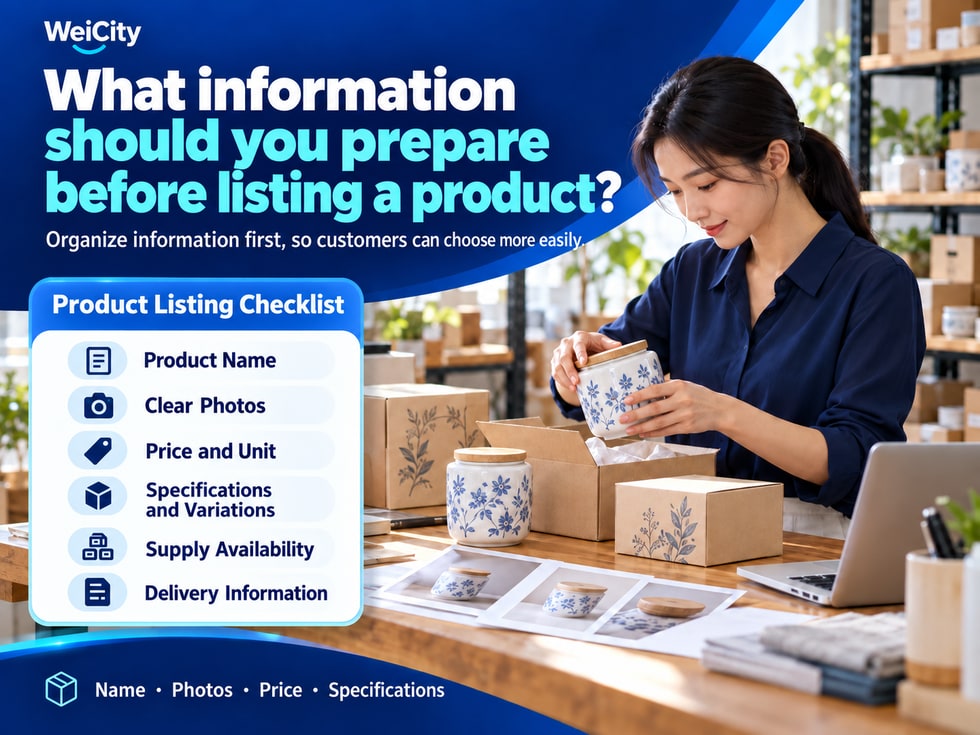
First organize the name, photos, price, specifications, and delivery conditions so the listing goes more smoothly and customers have fewer questions before buying.
What information should you collect before putting a product into the WeiCity Shop? This article outlines product name, category, photos, price, specifications, supply status, and pickup and delivery instructions, helping merchants build a pre-listing checklist. Once the basic information is confirmed, fill in the details according to the current Shop page so customers can more easily understand and choose products.
📸 The photos are already taken, but you cannot find the matching product information.
💰 The price has been written down, but it does not specify whether it is per piece, per set, or per box.
🎨 The product comes in different colors and sizes, but the information is not organized separately.
📦 Customers are ready to buy, only to find that pickup and delivery arrangements have not been confirmed.
Organizing complete information first makes listing smoother and reduces repeated edits later.
✨ One product information sheet that matches images, prices, and specifications
You can create one information sheet for each product and keep its related photos in the same folder.
Then confirm each item according to the checklist below.
Prepare:
✅ The product name used publicly.
✅ The category it belongs to.
✅ Brand, model, or product number, if applicable.
✅ How it differs from similar products.
For example, for storage boxes, you can first distinguish between desktop storage, clothing storage, and kitchen storage.
Accurate names and categories make it easier for merchants to organize products and easier for customers to find them.
First, collect images that accurately show the actual product:
🔹 Overall appearance of the product.
🔹 Key details.
🔹 Different angles.
🔹 Real usage scenarios.
🔹 Packaging and included accessories.
🔹 Corresponding photos for each style.
Check that the photos are clear, and that the colors, styles, and accessories shown match the product being sold.
If the photos show props used for styling, state clearly which items are included in the purchase.
Confirm:
✅ Current selling price.
✅ Quantity that the price applies to.
✅ Whether different specifications have different prices.
✅ Whether delivery, installation, or other fees are charged separately.
✅ If there are promotions, what the conditions and validity period are.
For example:
🛍️ RM39 / piece.
📦 RM60 / box, 6 pieces per box.
🧵 RM25 / metre.
Clear pricing units can reduce customers' misunderstandings about amounts.
Based on the nature of the product, organize the information customers need to choose or confirm:
🎨 Colors and styles.
📐 Length, width, height, or size.
🧴 Capacity and weight.
🧵 Material.
🔌 Model and compatible devices.
📦 Package quantity.
State units for dimensions, such as centimetres, millimetres, or inches.
When there are multiple specifications, record the corresponding images, prices, and availability for each; how options are set up depends on the fields provided on the current Shop page.
First, prepare accurate basic facts:
🔹 What the product is mainly used for.
🔹 Which usage scenarios it suits.
🔹 What items are included in one purchase.
🔹 Which accessories need to be purchased separately.
🔹 Any conditions or restrictions on use.
For example, when selling a cup, confirm whether a lid is included; when selling a lamp, confirm whether a bulb is included.
Collect all the facts first, then organize them into a product description that customers can read easily.
Confirm the actual supply arrangement for each style:
✅ In stock or made to order.
✅ Current available quantity.
✅ Whether all specifications are available.
✅ How much preparation time is needed for pre-orders or custom orders.
✅ Whether supply continues after selling out.
If the back end provides inventory management fields, fill them in according to the actual situation; other supply conditions should also be clearly explained in the product description.
Before ordering, customers should be able to understand whether the product can be delivered according to their timing needs.
Organize the delivery methods actually offered:
🏪 In-store pickup
Pickup location, available pickup times, and any matters to contact the merchant about in advance.
📦 Delivery
Delivery area, fees, expected arrangements, and address requirements.
🛠️ Installation or special delivery
Whether an appointment is required, on-site conditions, and additional fees, if applicable.
Distinguish between "preparation time" and "shipping time"; for example, pre-order items need to be prepared first, and then arranged for dispatch.
The delivery options available to choose from depend on the current Shop settings.
Based on the actual product, prepare:
🔹 How to contact you when customers have questions.
🔹 Information required for custom products.
🔹 Whether size, model, or intended use needs to be confirmed first.
🔹 Order changes, returns, exchanges, or after-sales arrangements.
🔹 Applicable care and usage instructions.
For example, for custom products, list in advance the size, color, and quantity the customer needs to confirm, to avoid misunderstandings between both parties.
Each product can be organized in this format:
📂 Product name or number
📝 Basic product information
📸 Product photos
🎨 Specification and price records
📦 Supply and delivery notes
When prices or styles change, update the corresponding information and note the date, so you can easily find the current version when listing.
☐ Product name and category are correct.
☐ Photos match the styles actually being sold.
☐ Price and pricing unit are clear.
☐ Size, color, and material have been confirmed.
☐ Items included in the purchase are clearly stated.
☐ Supply status and preparation time are accurate.
☐ Pickup or delivery conditions are complete.
☐ Contact and after-sales information is ready to use.
After completing the check, fill in the corresponding fields on the current WeiCity Shop editing page, and open the product page to confirm how it actually displays.
Choose one product you know best and whose information is most complete, complete this preparation checklist, and then gradually organize your other products.
Clear information helps merchants list products more smoothly and means customers have fewer questions before buying.
👉 Learn about Shop features: https://wei.city