

2 How Retail Merchants Can Use WeiCity: From Product Display to Customer Purchase Inquiries
Organize your products, styles, new arrivals, and buying information so customers can more easily find the products they need.
How Clothing Stores, Home Goods Stores, Stationery Shops, Hardware Stores, and Other Retail Merchants Can Use WeiCity: Learn how to build a merchant channel that makes it easy for customers to browse and make purchase inquiries, using product categories, images, specifications, and contact options.
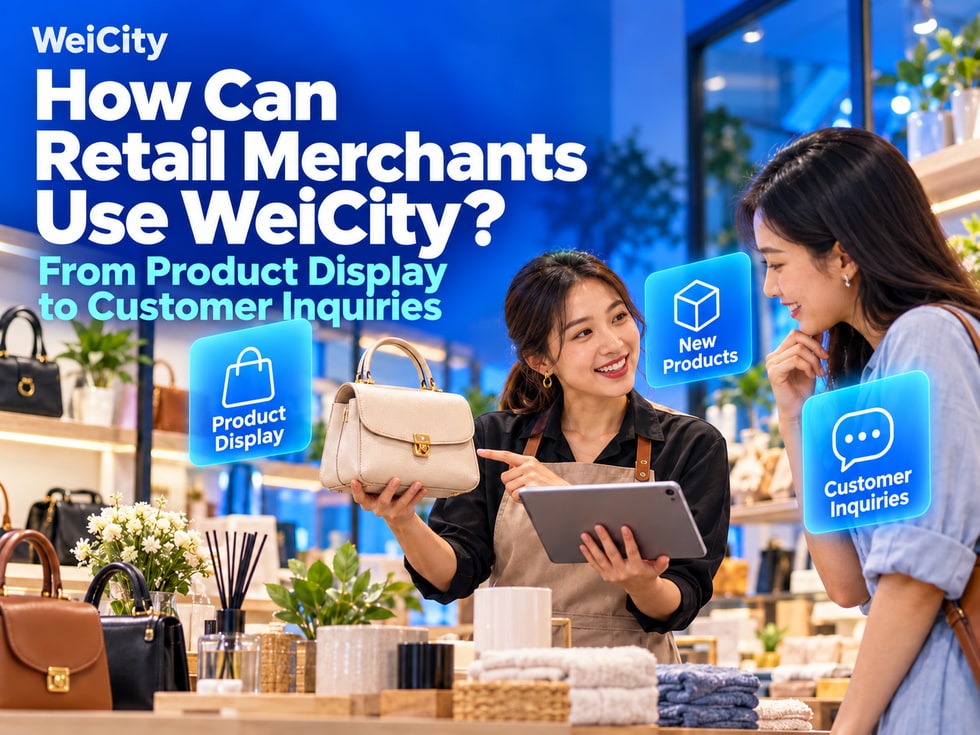
“Do you have this product?” “What colors and sizes are available?” “How much is this one?” “Where is your shop?”
When customers are inquiring about a purchase, they often need to learn about the product first and then confirm whether it suits them.
Through the WeiCity merchant channel, you can present product descriptions, images, purchasing information, and contact details in one place, so customers can browse first and then contact you with specific needs.
✅ Clothing, footwear, bags, and accessories shops
✅ Household goods and gift shops
✅ Stationery and bookshops
✅ Hardware and tool shops
✅ Electronics and accessories shops
✅ Other merchants who sell physical goods
Arrange display content that suits you based on your product categories and way of doing business.
When you have many products, you can group them by use or type.
🔶 Clothing Shop
🔹 Tops
🔹 Trousers and skirts
🔹 Footwear
🔹 Bags and accessories
🔶 Household Goods Shop
🔹 Kitchen supplies
🔹 Storage products
🔹 Cleaning supplies
🔹 Home decor
🔶 Hardware Shop
🔹 Hand tools
🔹 Power tools
🔹 Plumbing fittings
🔹 Fasteners and other materials
📌 Where possible, use category names that customers are familiar with, so they can tell what is inside just from the name.
For each product, you can prepare:
✅ One overall photo
✅ A few photos of important details
✅ Images of different styles or colors
✅ Real-life usage scenarios (where applicable)
🔸 For example:
For bags, you can show the exterior, internal compartments, and handles. For storage products, you can show the dimensions and how they are used. For tools, you can show the model, connectors, and accessories.
📌 Images should match the actual product. If one image shows several products, make clear which product the description refers to.
In addition to the product name, you can also include:
🔹 Brand and model (where applicable)
🔹 Size and material
🔹 Color or style
🔹 Package quantity
🔹 Included accessories
🔹 Usage or compatibility requirements
🔸 Example:
Everyday Commuter Tote Bag
Introduce the actual dimensions, material, available colors, and storage design, so customers can judge whether it fits their everyday items.
🔸 Example:
Power Tool Accessories
State the corresponding model, connector specifications, and package contents, so customers can confirm compatibility.
📌 For compatibility questions, ask customers to provide their existing product model for further confirmation.
For products with a fixed price, you can state the price along with the corresponding specifications.
If different styles, quantities, or bundles have different prices, explain each one separately.
✅ Price information may include
🔹 Price per item or per set
🔹 Corresponding style and specifications
🔹 Items included in a bundle
🔹 Other fees (where applicable)
📌 Stock levels change. When customers need to confirm whether an item is currently available, provide a clear way to inquire, and avoid presenting old photos as real-time stock.
A new product introduction can focus on one product or a group of related items.
✅ Recommended details to include
🔹 What has been newly listed
🔹 Its key features
🔹 Available style options
🔹 How to ask about pricing and availability
🔸 Example:
“A new batch of desktop storage products has arrived in store. The channel has style and size details. Feel free to send product images to ask about current availability.”
This lets customers know what is worth browsing in this update.
When announcing a promotion, state:
🔹 Which products are included
🔹 Promotional prices or how they are calculated
🔹 Valid dates of the promotion
🔹 Conditions of use
🔹 How to purchase or make contact
📌 If some products shown in an image are not part of the promotion, make this clearly distinguishable. Update the status promptly after the promotion ends.
🔶 About Us Introduce the shop's features, business categories, and target customers.
🔶 Product Introduction Show main products and specifications by category.
🔶 New Arrivals Introduce newly arrived products and styles.
🔶 Buying Guide Organize sizes, uses, compatibility, and selection suggestions.
🔶 Promotions Show currently valid product promotions.
🔶 Store Information Provide the address, opening hours, and contact details.
📌 This is an example of content arrangement. You can combine it with the sections and features that your channel actually supports.
Merchants who want to provide a product purchase entry point in their channel can view the Feature Overview and corresponding plans for WeiCity Shop.
Before using it, confirm product specifications, prices, order handling, and the actual arrangements for pickup or delivery.
📌 Set up purchase entry points only for features that have been activated and are working properly, and clearly state the related conditions.
✅ Asking about product types
“Hello, our channel organizes product introductions by category. You can browse first, or tell us what you need.”
✅ Asking about styles and specifications
“Hello, the images and specifications for this product are already in our channel. Please tell us the color, size, and quantity you need so we can confirm further.”
✅ Looking for a specific product
“Hello, feel free to send us a product image or model, and we will confirm whether we have a suitable item.”
📌 After sharing your channel, continue to respond to customers' specific questions and help confirm products and availability.
You do not need to upload every product in your shop at once.
You can start by choosing:
1️⃣ Products customers ask about most often
2️⃣ Products that best represent your shop's character
3️⃣ Products that need detailed specification explanations
4️⃣ Recent new arrivals and current promotions
Gradually build clear product information that is easy to share.
✅ Do the images match the actual products?
✅ Are the models, sizes, and specifications correct?
✅ Is the content related to prices clear?
✅ Are the promotions still valid?
✅ Are the contact details correct?
✅ Are the purchase entry points you have set up working properly (where applicable)?
Organize products clearly, describe images and specifications well, and make browsing easier for customers.
Then share your channel through everyday inquiries, social posts, and in-store contact, helping those who need it learn about your products.
Feel free to contact us through the official WeiCity channels to learn about product display and feature arrangements suited to your shop.
WeiCity Make your business visible, and make contact easier.