

53 How Real Estate Agencies Can Use WeiCity: From Property Listings to Client Consultations
Showcase property photos, basic information, viewing arrangements, and consultation methods in one place, helping buyers and renters learn more about properties and contact the agency more easily.
How can real estate agencies, property rental agents, and property consultants use WeiCity? Build a merchant channel that makes it easy for customers to browse listings, understand conditions, and contact the agency through property categories, authentic photos, property information, and viewing guidance.
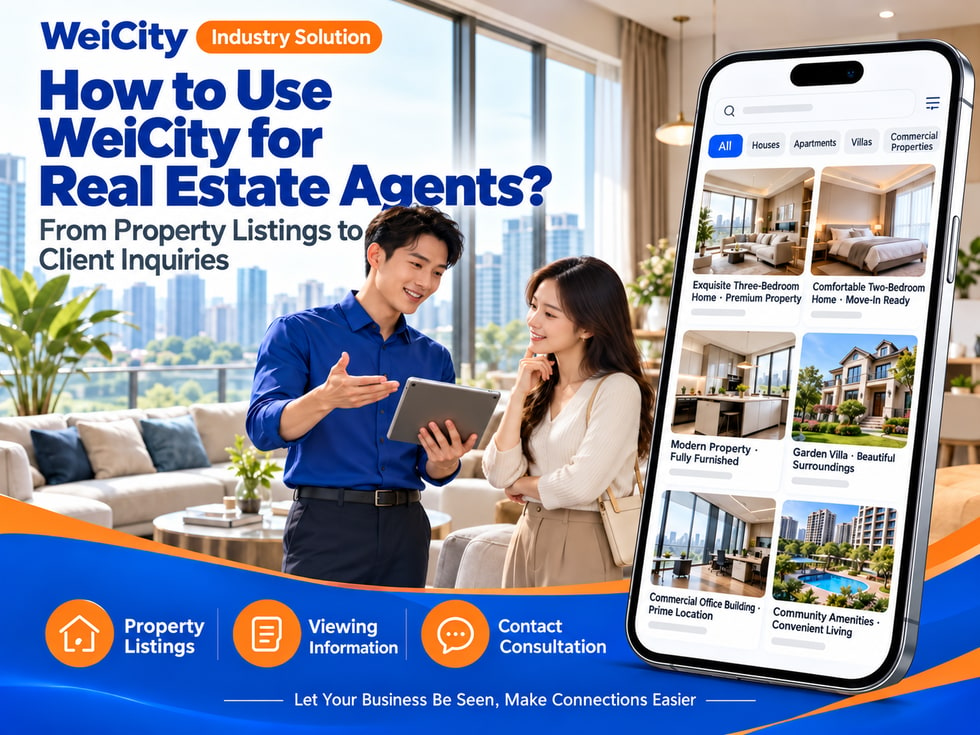
From Property Listings to Client Inquiries
"How many bedrooms does this unit have?"
"Can we arrange a viewing?"
"Is there parking nearby?"
"Does the rent include management fees?"
"Do you have any other similar properties?"
When looking for a home, clients usually first check location, price, layout, facilities, and rental or sale terms, then contact an agent to confirm property availability and viewing arrangements.
💡 With WeiCity, you can build your own property services channel and organize your listing information, viewing methods, and contact details, so clients can first browse listings and then contact you to confirm the details.
✅ Real estate agents
Introduce property sales, leasing, and client consultation services.
✅ Property rental agents
Display rental listings, leasing terms, and viewing arrangements.
✅ Residential Property Consultant
Organize residential, serviced apartment, or other actual listed properties.
✅ Commercial Property Agent
Showcase information on offices, shops, or other commercial spaces.
✅ Property Management Provider
If you actually provide related services, you may introduce tenancy management and owner contact methods.
✅ Property Project Sales Team
Introduce project information, unit types, and how to book a viewing.
📌 Listings should be published according to actual authorization and agency scope, and their status should be updated promptly.
You can organize them by property type or by need:
🔹 Rental Listings
Show rent, lease term, move-in conditions, and viewing arrangements.
🔹 Sale Listings
Introduce asking price, layout, facilities, and how to contact the agent.
🔹 Apartments and Serviced Residences
Categorize by location, layout, and facilities.
🔹 Townhouses and Detached Homes
Show the home's space, parking, and surrounding environment.
🔹 Shops and Offices
Organize by use, area, location, and lease or sale terms.
🔹 Newly Listed Properties
Make it easy for customers to see recently added units.
🔹 Rented or Sold Properties
Update their status promptly, or organize them as case studies.
💡 You can set categories by area, layout, budget, or listing status to help customers quickly find relevant options.
Recommended to specify:
✅ Area and approximate location of the property
✅ Property type and number of rooms
✅ Built-up area or land area (if information is available)
✅ Rent or sale price and how it is calculated
✅ Furniture and appliance provisions
✅ Parking and shared facilities
✅ Lease term, deposit, or other conditions
✅ Available move-in or handover date
✅ How to book a viewing
✅ Listing status and last updated date
🔶 Example: Rental Listing Description
Location: State the area or project name.
Layout: Specify the number of bedrooms, bathrooms, and parking spaces.
Rent: Fill in according to actual conditions, and state what is included.
Furniture: List the furniture and appliances actually provided.
Lease term: Explain the available lease period and move-in arrangements.
Viewing: Please provide convenient dates and time slots, and contact the agent to confirm.
📌 Property information, fees, and conditions should be checked against the owner's or official listing documents before being filled in.
It is recommended to prepare:
🔹 Building Exterior and Entrance
Help customers understand the appearance of the building or home.
🔹 Living Room and Bedrooms
Show the room layout and actual space.
🔹 Kitchen and Bathroom
Present the facilities and basic condition.
🔹 Balcony, Views, or Parking Space
If included in the listing, you may provide photos with captions.
🔹 Shared Facilities
For example, swimming pools, gyms, or common areas.
🔹 Surrounding Environment
Show transport, shops, or daily amenities.
💡 Arrange photos according to the flow of the home, and use short text to label the space shown in each image.
📌 Photos should correspond to the actual property. Before shooting or publishing, obtain consent from the owner or relevant parties, and avoid showing residents' personal belongings or identifiable information.
You can organize:
🔹 Area where the property is located
🔹 Nearby public transport or main roads
🔹 Parking and visitor parking arrangements
🔹 Nearby schools, shops, or daily facilities
🔹 Route references to main destinations
🔹 Viewing meeting point and contact information
🔹 Building management or visitor registration requirements
💡 When introducing the surrounding area, use verifiable location information and state that distances or travel times are for reference only.
📌 Travel times vary depending on the route and time of day. Before a viewing, it is recommended to reconfirm the address, entrance, and parking arrangements.
It is recommended to confirm each item:
✅ Rent or sale price
✅ Deposit and advance payment requirements
✅ Whether management fees or utilities are included
✅ Furniture, appliances, and repair responsibilities
✅ Lease term and renewal conditions
✅ Who is responsible for property taxes or transaction-related fees
✅ Agency service fees or other charges
✅ Payment and document confirmation process
🔶 For example:
“Property conditions and fees are subject to owner confirmation and official documents. Please share your budget, move-in date, and requirements, and we will confirm the current listing status and related fees.”
📌 Fees and transaction terms should be based on the official documents confirmed by both parties. Information in public channels serves as listing introduction only and does not replace a formal agreement.
1️⃣ Type of property needed
State whether you are looking for an apartment, townhouse, shop, or another type.
2️⃣ Target area
Provide the area or project you are interested in.
3️⃣ Budget range
State the acceptable rent or sale price range.
4️⃣ Room and facility requirements
For example, number of bedrooms, parking spaces, or furniture needs.
5️⃣ Move-in or purchase timeline
State the approximate time you hope to move in, view the property, or complete the transaction.
6️⃣ Contact details and convenient time slots
This helps the agent arrange replies and viewings.
📌 Only collect information necessary for arranging property inquiries, and handle customer information through appropriate channels.
You can organize the following in the channel:
🔹 Viewings require advance booking
🔹 Meeting point and contact information
🔹 Visitor registration or identification requirements
🔹 Available viewing times and expected duration
🔹 Whether photos or videos are permitted
🔹 Building parking and entry procedures
🔹 How temporary rescheduling will be notified
🔹 Relevant documents to bring
💡 If the owner or management office has special requirements, inform customers in advance when confirming the viewing.
It is recommended to check regularly:
✅ Whether the property is still available for rent or sale
✅ Whether the rent or sale price has changed
✅ Whether furniture and facilities have been updated
✅ Whether the move-in date has been adjusted
✅ Whether viewing times have changed
✅ Whether contact persons and agency arrangements are valid
✅ Whether rented, sold, or temporarily unavailable listings are marked promptly
📌 Listing status can change quickly. When customers make inquiries, reconfirm with the owner or relevant person in charge.
🔹 About Us
Introduce the agent team, service areas, and inquiry methods.
🔹 Rental Listings
Organize by area, property type, or budget.
🔹 Sale Listings
Show property information, photos, and booking methods.
🔹 Commercial Properties
Introduce offices, shops, or other commercial spaces.
🔹 Viewing Guide
Explain booking, meeting, registration, and rescheduling methods.
🔹 Buying and Renting Process
Organize the basic steps for inquiries, viewings, and document confirmation.
🔹 Nearby Living Information
Introduce transport and daily amenities near the property.
💡 When starting out, you can first post common listings, viewing instructions, and contact information, then gradually add area categories and frequently asked customer questions.
🔶 Customer asks: “Is this unit still available for rent?”
You can reply:
“Hello, here is the listing information. Availability is subject to owner confirmation. Please tell me your expected move-in date and number of occupants, and I will check for you.”
🔶 Customer asks: “Can I arrange a viewing?”
You can reply:
“Yes, please tell me which property you would like to view, along with your convenient dates and time slots. I will first confirm arrangements with the owner and management office, then get back to you.”
🔶 Customer asks: “Are there any units with a similar budget?”
You can reply:
“Please tell me your target area, budget, property type, and move-in date. I can help you find currently available listings that match these criteria.”
1️⃣ Basic agency or team information
Name, service areas, contact methods, and business hours.
2️⃣ Listing categories
Organize by rental, sale, area, and property type.
3️⃣ Genuine listing information
Prepare photos, layouts, fees, and facility descriptions.
4️⃣ Viewing booking guide
Tell customers what information to provide when booking.
5️⃣ Listing update process
Ensure prices, status, and conditions are adjusted promptly when they change.
✅ Is the listing still valid?
✅ Are the rent, sale price, and fees accurate?
✅ Do the photos correspond to the actual property and have publishing permission?
✅ Have the layout, area, and facility information been verified?
✅ Are the viewing and visitor registration methods clear?
✅ Does the listing status need to be reconfirmed?
✅ Are the contact details and agency information correct?
✅ Have sensitive information about residents or owners been kept out of public view?
After organizing listing photos, basic information, and a viewing guide in the channel, they can be used for daily replies, listing promotion, and customer inquiries.
Customers can first browse different listings, then provide their area, budget, and move-in date; agents can then continue to confirm listing status, viewing arrangements, and specific conditions.
❤️ Help customers get to know your listings and agency services more easily
Want to learn how to set up a real estate agency merchant channel?
Feel free to contact us through the official WeiCity channel contact details, and we can work together to organize content that suits your team.
WeiCityMake your business visible and your contact easier.