

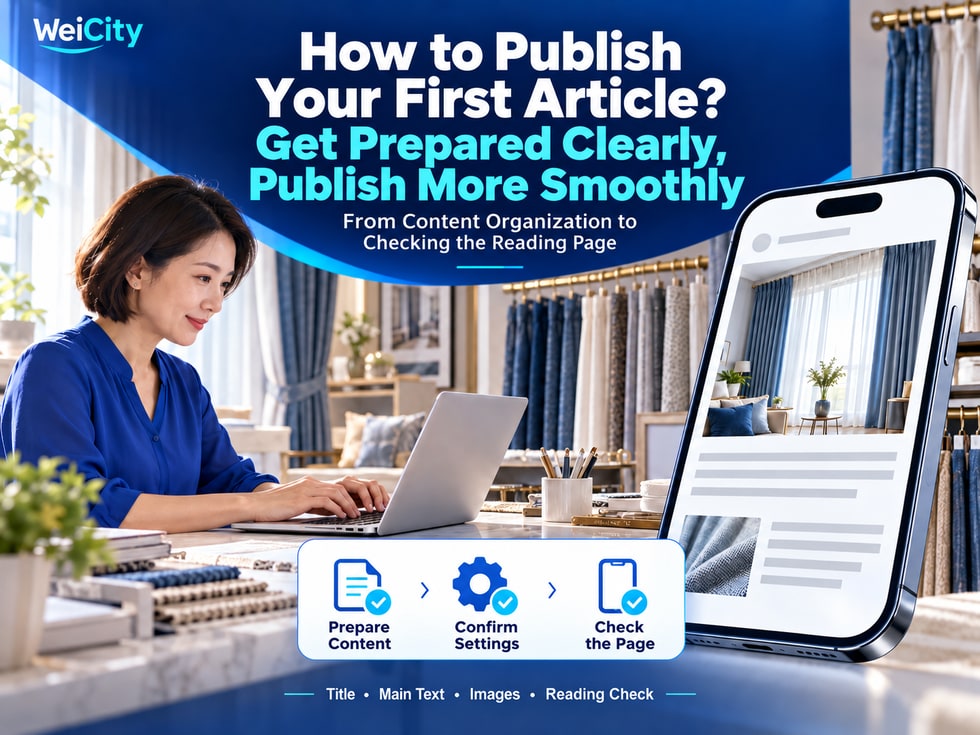
16 📝 How do you publish your first article? From preparing content to checking the reading page
Prepare the title, summary, body, and images, then review the article from the customer's perspective after publishing, so your first article is clear, complete, and easy to read.
Want to start using the WeiCity article feature but not sure how to prepare your first article? This article walks you through choosing a topic, organizing the title and summary, writing the body, selecting images, confirming publishing settings, and checking the reading page, helping you complete your first article. Start by explaining one question your customers care about clearly, then gradually build up brand and professional content.
🏪 Introduce your business and services.
🛍️ Explain what purposes a product is suitable for.
❓ Answer questions customers frequently ask.
📚 Share a practical how-to guide.
Choosing content you know best and can explain most clearly will make it easier to complete your first article.
Before you start writing, write down three answers:
👤 Who is the reader?
A customer meeting you for the first time, or a client who has already purchased from you?
❓ What do they want to know?
What the service includes, how to choose a product, or what to note when using it?
🛠️ What can they do after reading?
Decide whether it suits them, prepare information for an inquiry, or try to complete an action.
For example, a curtain merchant could choose:
“What information should I prepare before ordering custom curtains?”
With a clear topic, the body text can more easily focus on customers' actual needs.
Organizing the following content first will make filling in the form smoother:
✅ Title
Explain the article's topic so readers can quickly tell whether it relates to them.
✅ Subtitle
If the editing page provides this field, you can use one sentence to add the article's purpose.
✅ Summary or Introduction
State which readers it suits, what it covers, and what help readers can gain.
✅ Body Text
Arrange explanations, steps, examples, and notes in reading order.
✅ Images
Choose images that are relevant to the topic and easy to understand.
✅ Related Links
Prepare links to products, the Gallery, or other articles as needed.
Fill in the corresponding information for whichever fields the editing page provides.
Divide content into several clear short paragraphs, with each paragraph explaining one key point.
For example, "Information to Prepare Before Ordering Custom Curtains" could be arranged like this:
① Which spaces need curtains installed.
② Which on-site photos to take.
③ Which sizes can be provided first for reference.
④ What shading or usage effect is desired.
⑤ How to describe your needs when making an inquiry.
If sizes need to be confirmed on site by the merchant, the article should also state this clearly, so customers do not treat self-measured data as the final production size.
Specific explanations help customers prepare better than vague wording such as "Feel free to inquire."
Images can attract attention and also help readers understand the content.
📸 Service introduction: Use real work or service scenes.
🛍️ Product guide: Show product details and how to use them.
📚 How-to tutorial: Pair photos with key steps.
🏪 Brand story: Show the storefront, team, or business process.
When selecting images, check:
🔹 Is the image clear?
🔹 Does it match the body text?
🔹 Is the text on the image correct?
🔹 Does cropping hide any important parts?
If customer photos or case examples are involved, obtain the appropriate usage permission first.
WeiCity's Creator Center introduces the entry point for starting to write from the homepage "Write." After entering, fill in the information according to the prompts on the current editing page.
If the page offers a channel or section selection, confirm that the article is assigned correctly so readers can find it easily.
If this article requires paid reading, check whether the article price and membership-level exemption settings match your plan.
📌 Free introductions, paid guides, and membership reading benefits should all be consistent with the description in the article summary.
Button names and the order of operations are subject to what is currently displayed on the page.
Before submitting for publication, quickly check:
✅ Are there any typos in the title?
✅ Does the summary accurately introduce the body text?
✅ Are any steps missing?
✅ Are the prices, dates, and contact details correct?
✅ Do the related links point to the corresponding content?
✅ Are the conditions for paid or membership reading explained clearly?
Some information changes, such as event dates, service arrangements, and product prices. Use current information when publishing.
After publishing, open the article page and check how it actually displays.
🔹 Are the title and images complete?
🔹 When reading on a phone, are the paragraphs clear?
🔹 Are any images distorted or improperly cropped?
🔹 Do the links open the correct pages?
🔹 Can customers understand what to do next?
Also pay attention to reading permissions: the content a author account sees may differ from what general readers see. When checking paid articles, confirm that the reading conditions general readers see match what you expect.
If you find any problems, return to the editor promptly and make corrections.
Once the first article is published, you can share it with customers in relevant inquiries.
For example:
"This article covers what to prepare before ordering custom curtains. Take a look, then send us your site photos and requirements."
Add a sentence with the link to explain why it is worth reading and how customers can contact you after reading it.
Observe what customers still ask after reading, and record these questions.
They can help you improve existing articles, and may also become topics for your next article.
👉 Start writing: https://wei.city