

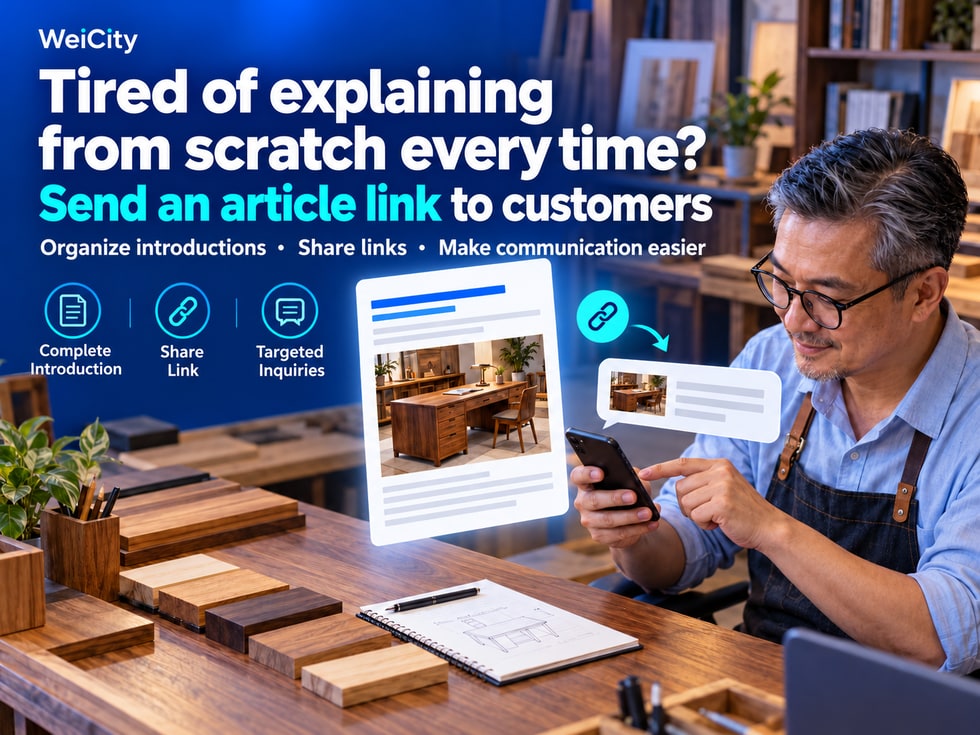
9 🔗 Explaining from scratch every time? Send customers an article link
Use organized introductions for customer inquiries and social sharing, so customers first grasp the key points before discussing their specific needs.
When introducing services, do you have to find photos, copy text, and send them one by one? With the WeiCity article feature, you can organize related explanations into a complete article and share the matching link during inquiries, so customers can read everything in one place. This article explains how to choose articles based on customer questions, pair them with short guidance, and connect them to follow-up communication, so well-written content keeps supporting your daily operations.
Find product photos.
Copy the service introduction.
Add the process and notes.
Then send the address and contact information.
A long string of information may leave customers unsure which item to read first. When the next customer asks, you have to start all over again.
✨ Organize these introductions into a WeiCity article, and share the relevant link during consultations so customers have complete content to read, and you can more easily continue discussing their actual needs.
Brand stories, service introductions, product buying guides, and frequently asked questions can all be shared when needed.
For example:
🏪 Customers meeting you for the first time can start with the brand introduction.
📋 Customers interested in services can review the service scope and process.
🛍️ Customers comparing products can review styles and selection suggestions.
❓ Customers with purchase questions can review the corresponding Q&A.
Choosing the right article makes it easier for customers to grasp the key points than sending all the material at once.
After receiving an inquiry, you can first confirm the part the other person most needs to understand.
For example, if a customer asks "Do you make custom furniture?", you can first ask:
“Which type of furniture would you like to customize? Where will it mainly be placed?”
Once you understand the general needs, share the relevant service introduction or project examples.
When customers know what they want to see, the content you provide can be more targeted.
If a link is sent alone, customers may not know what it contains.
Pair it with a short note explaining why it is worth opening and where to start reading.
For example:
💬“This article outlines the custom process and the materials to prepare. You can start with the "Before You Inquire" section.”
💬“You mentioned wanting something easy to organize daily. This article introduces key points for choosing several styles, so you may want to review it first.”
💬“Here is a project example for a similar space, which explains the needs at the time and how they were handled.”
A clear prompt makes the article easier to actually use.
🪑 Example | How can you communicate about a custom desk inquiry?
👤 Customer:
“I'd like to have a desk made. Could you tell me more?”
🏪 Merchant:
“Certainly. Will it be for your home or office? About how much space do you have for it?”
👤 Customer:
“It's for a room at home, and the space is fairly small.”
🏪 Merchant:
“This article outlines the custom desk process and the dimensions to confirm. You may review it first. If convenient, please send a photo of the intended location, the approximate size, and the main purpose, and we can discuss further.”
The article covers the basic introduction, and follow-up communication focuses on the customer's space and usage needs.
📱 Social media sharing can also link to the full introduction
For example:
📸 Share project photos and link to the full case description.
🛍️ Announce new products and link to uses and selection suggestions.
🎉 Highlight event details and link to the time, location, and how to participate.
When customers are interested in the content, they have a chance to read more details, reducing situations where they see only photos without understanding the background.
Based on the article's purpose, provide the relevant entry point:
✅ Product introduction: view the corresponding product details.
✅ Service description: contact the merchant and provide your requirements.
✅ Project example: browse more projects or discuss a similar plan.
✅ Event article: view registration methods and participation requirements.
For example:
“Want a desk plan that suits your space? Please prepare a photo of the intended location, the approximate dimensions, and the main purpose, then contact us through the channel's contact information.”
Letting customers know how to proceed makes the article more helpful for communication.
An article can explain basic information, but customers may still have their own circumstances to confirm.
You can continue by asking:
💬“After reading the introduction, which part would you like to know more about?”
💬“How is your need different from the example?”
💬“What other information would you like us to explain?”
This makes the organized material easy to use and gives customers responses that fit their actual needs.
After changes to the service scope, product information, or contact details, remember to update the article.
Before sharing, you can also check:
🔸 Whether the link opens normally.
🔸 Whether the content matches the current arrangements.
🔸 Whether it is clear when read on a phone.
🔸 Whether the product or contact entry at the end is valid.
Maintaining frequently used content makes future business introductions easier.
✅ Respond to initial inquiries from new customers.
✅ Supplement content posted on social media.
✅ Introduce related products and services.
✅ Provide project examples for reference.
✅ Help customers prepare the materials needed for further communication.
👉 In the WeiCity merchant channel, first prepare an article for your most commonly used introduction. Next time a customer asks, pair it with a brief prompt when sharing the link, then spend your time understanding their specific needs.