

8 How Should WeiCity Administrators and Account Security Be Set Up? A Channel Permissions Guide
Clarify the channel owner, login methods, and operating permissions to reduce the risks of shared accounts, mistakes, and lost information.
A WeiCity merchant channel may be maintained jointly by the owner, staff, designers, or customer service. This article explains how to choose the main administrator, divide responsibilities, protect passwords, use login verification, manage devices, hand over information when staff leave, and protect customer data, helping merchants establish a secure, clear, and sustainable channel management process.
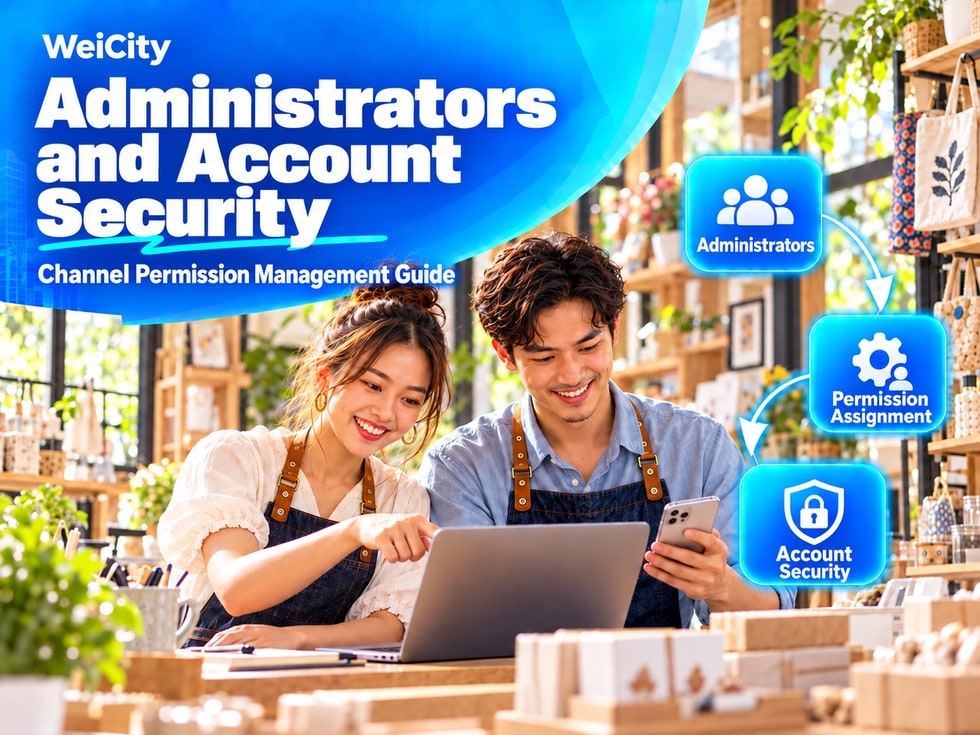
If multiple people share the same account without clear division of duties, problems can arise, such as password leaks, content being deleted by mistake, customer messages going unanswered, or former employees still being able to log in.
Therefore, basic personnel management and account security rules should be established before the channel goes live.
Each merchant channel should have one main person in charge, responsible for confirming important channel settings and management arrangements.
The main person in charge can be:
✅ Merchant owner
✅ Store owner or partner
✅ Manager responsible for online business
✅ Staff member who has long managed brand information
The main person in charge should control:
🔑 Login account📱 Phone number bound to the account📧 Email address bound to the account🔄 Password recovery method⚙️ Main channel settings👥 List of other administrators📁 Location of backups for important materials
⚠️ Do not give long-term control of the main account to short-term staff, temporary designers or external service providers.
Sharing an account among multiple people is convenient, but it increases security risks.
Common issues include:
❌ It cannot be confirmed who changed the information
❌ The password is repeatedly forwarded in chat groups
❌ Former employees still keep the password
❌ The account may be logged into if one person's device is lost
❌ Relevant people are not notified after the password is changed
If WeiCity provides different administrative permissions, create a separate administrator identity for each staff member and assign permissions according to their work needs.
If only one account can be used at present, limit the number of people who know the password and have the main person in charge manage it centrally.
Different staff members do not necessarily need full administrative permissions.
👤 Channel Owner
✅ Manage important settings
✅ Arrange staff
✅ Edit basic merchant information
✅ Handle account security issues
✅ Decide whether the channel is published or taken offline
✍️ Content Editors
✅ Write articles
✅ Publish updates
✅ Upload images and videos
✅ Update product or service information
💬 Customer Service Staff
✅ Check customer inquiries
✅ Reply to customer messages
✅ Record appointments or orders
✅ Pass important issues to the owner
🎨 External Designers or Marketing Staff
✅ Prepare images and copy
✅ Help plan activities
✅ Process content within the specified deadline
📌 Staff should only receive the permissions they need to do their work. Permissions involving accounts, personnel, payments, or important settings should be kept with the main owner whenever possible.
Your WeiCity account password should not be the same as your email, social media, banking, or any other system's password.
Recommendations for a secure password:
✅ At least 12 characters long
✅ Includes uppercase and lowercase letters, numbers, and symbols
✅ Does not use the merchant name or phone number
✅ Does not use a birthday or simple combinations
✅ Never send passwords in chat groups
✅ Not reused across multiple platforms
🔐 You may use a trustworthy password manager to store passwords, and avoid writing them down on paper, in phone notes, or in staff groups.
If the account offers two-step verification, verification codes, or other security verification features, we recommend enabling them.
When setting this up, confirm that:
✅ The verification phone number is a long-term number used by the merchant
✅ The verification email can be used to log in normally
✅ The owner can receive verification codes
✅ Backup recovery methods have been saved
✅ Account information is updated at the same time when the phone number changes
⚠️ Do not forward verification codes to people you cannot identify, and do not give your full password to anyone.
If you forget your password or your account has an issue, the linked contact details are usually the key way to recover the account.
Check the following:
✅ The phone number is still in use
✅ The email address can receive messages normally
✅ The merchant controls the linked contact details
✅ No personal number of a former employee is used
✅ No email address of an outside person is used
📌 We recommend using a phone number or work email address that the merchant keeps long-term, and not relying entirely on employees' personal contact details.
Merchants may manage the channel from office computers, in-store tablets, or personal phones.
When using devices, pay attention to the following:
🔒 Set a screen lock password on devices
🚫 Do not save login details on public computers
🧩 Do not use browser extensions from unknown sources
💻 Lock the computer screen before leaving the counter
📱 Change the account password immediately if a device is lost🔍 Regularly check devices that are no longer in use
If you use a shared computer, avoid letting the browser automatically save important passwords, and log out of the account securely after work.
When a new employee joins channel management, record:
✅ Name
✅ Position
✅ Responsibilities
✅ Permissions granted
✅ Start date of management
When an employee transfers or leaves, immediately:
❌ Stop related management permissions
🔑 Change passwords that were previously shared
📱 Retrieve merchant devices
💬 Check unfinished customer inquiries
📁 Hand over images, copy, and work files
🔒 Confirm that the person no longer keeps customer information
⚠️ Do not wait until a problem occurs before dealing with the account of a departed employee.
Channel administrators may have access to customers' names, phone numbers, addresses, appointment details, and inquiry content.
When handling this information, follow these principles:
✅ Collect only the information needed to complete the service
✅ Allow only relevant staff to view it
❌ Do not publish customer information on public pages
❌ Do not forward customer chat screenshots without permission
❌ Do not keep customer lists long-term in personal groups
❌ Do not provide information to unrelated people
📷 If you want to use customer photos, reviews, or case studies for promotion, obtain the customer's consent first.
Beyond account security, you also need to prevent accidental deletions or unconfirmed content changes.
The merchant may specify:
✅ Who may change the merchant name and address
✅ Who may change product prices
✅ Who may publish promotions
✅ Who is responsible for checking article content
✅ Who may delete images, videos, or products
✅ Whether important changes require the owner's confirmation
For important information involving prices, business hours, contact details, and promotion terms, we recommend having another person check it again before publishing.
Even though content has been uploaded to the channel, merchants should still keep the original files.
Recommended backups:
📁 Merchant logo and cover images
📷 Product and service photos
📄 Original article drafts
🎥 Video files
📋 Menus and price lists
👥 List of administrators
📝 Channel content update records
Backup files can be stored in cloud space controlled by the merchant or on secure devices, and sorted by date and content.
If you notice unfamiliar logins, information being changed, or being unable to access the account normally, immediately:
① Change the account password
② Check the linked phone number and email address
③ Remove administrators you do not recognize or no longer use
④ Check channel information and published content
⑤ Save screenshots of the anomaly and the time it occurred
⑥ Notify the merchant's main owner
⑦ Seek assistance through WeiCity's official support channels
🚨 Do not keep using old passwords that may have been exposed, and do not trust strangers who ask you for verification codes.
✅ A main owner has been appointed
✅ The login account is kept long-term under the merchant's control
✅ No contact details of former employees or outside persons are used
✅ The password is secure and not reused on other platforms
✅ Available additional login verification is enabled
✅ Phone and email can receive verification messages
✅ Each staff member's responsibilities have been defined
✅ Management permissions are given only to those who need them
✅ In-store computers, phones, and tablets have screen locks set
✅ A procedure for staff departure and permission removal has been established
✅ Customer information will not be made public or forwarded casually
✅ Important images, articles, and videos have been backed up
Securing a WeiCity channel is not just about setting a complex password. It also includes assigning owners, allocating permissions, protecting devices, and handing over responsibilities between people.
Merchants should make sure every administrator clearly knows what they can and cannot do, and whom to notify if something goes wrong.
Setting up a simple and stable management process can reduce accidental operations and account risks, and also help your channel keep running smoothly over the long term.