

6 How to Use the WeiCity Channel Shop? From Product Display to Customer Shopping
Organise product photos, specifications, prices, and purchase details in one place so customers can browse and choose more easily.
Which merchants suit the WeiCity Channel Shop? From product categories, photos, and specifications, to prices, stock, pickup, and delivery notes, this guide helps you build a channel shop that is clear, accurate, and easy for customers to shop from.
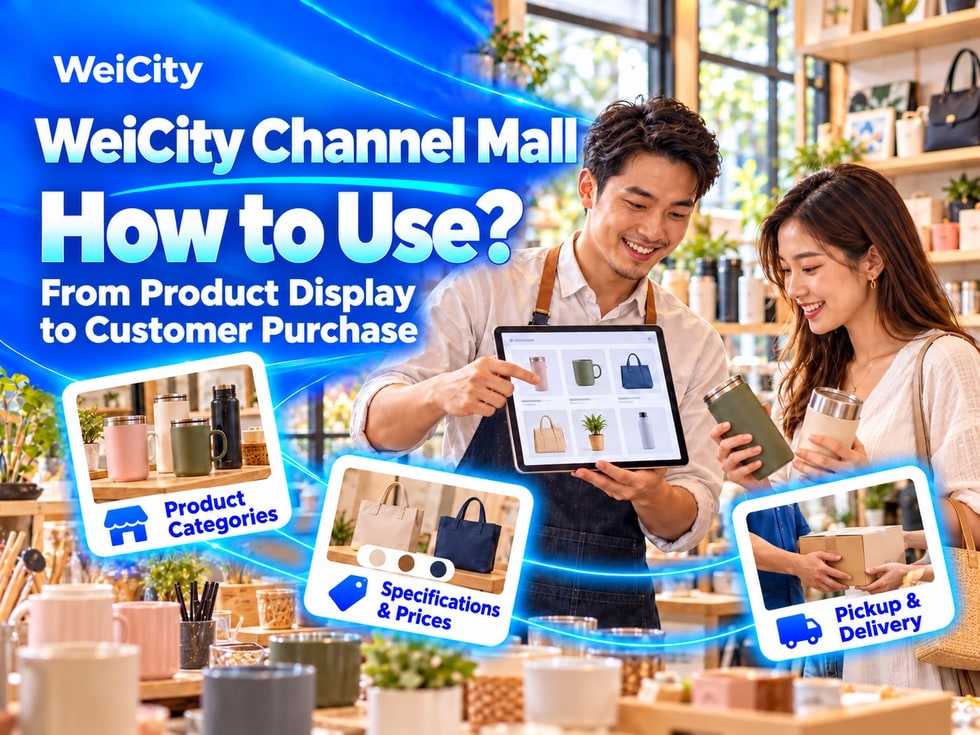
“Where can customers view complete product details?”
“How do I explain products that come in different colors and sizes?”
“Where should price, stock, and delivery information go?”
“With many products, how do I categorize them so they are easy to find?”
After merchants post products on social platforms, customers usually keep asking about prices, specifications, stock, pickup, and delivery arrangements.
💡 With the WeiCity Channel Shop, you can organize product information in one place, so customers can browse products more easily once they enter the channel, compare options, and continue inquiring or purchasing in the way the merchant provides.
The Channel Shop is suitable for merchants who need to display and manage products over the long term.
Product information can include:
✅ Product name
✅ Product photos
✅ Product descriptions
✅ Price
✅ Styles and specifications
✅ Stock or supply information
✅ Pickup and delivery information
✅ Related purchase conditions
Merchants can organize products by category so customers do not need to dig through large amounts of chat history or scattered posts.
📌 The actual ordering, payment, inventory, delivery, and other Shop features depend on the channel backend, account permissions, and the services you have activated.
✅ Retail stores
Display clothing, footwear and bags, supplies, gifts, and other products.
✅ Food and baking merchants
Introduce packaged foods, gift boxes, cakes, or items available for pre-order.
✅ Beauty and personal care merchants
Display skincare, cosmetics, care products, and related supplies.
✅ Home and household goods merchants
Introduce furniture, decor, kitchen, and storage products.
✅ Hardware and building materials merchants
Organize products by tool, part, material, model, and specification.
✅ Pet supply merchants
Display food, cleaning supplies, toys, and everyday items.
✅ Creators and handmade merchants
Introduce handmade products, artworks, custom gifts, and creative goods.
📌 The channel Shop is suitable for selling products that you actually own, are authorized to sell, or have a lawful supply source for.
Clear categories help customers quickly find the products they need.
You can organize by product type:
🔹 Clothing
🔹 Footwear and bags
🔹 Food
🔹 Personal care products
🔹 Tools
🔹 Accessories
🔹 Household items
🔹 Gifts
You can also organize by use:
🔹 Everyday use
🔹 Outdoor activities
🔹 Festive gifts
🔹 Children's products
🔹 Office supplies
🔹 Renovation and construction
🔹 Pet care
You can also organize by series:
🔹 New arrivals
🔹 Popular products
🔹 Seasonal series
🔹 Specific brands
🔹 Current offers
💡 Keep category names simple and clear. Avoid creating many categories that contain only one or two products.
📌 If the same product fits several categories, keep its product information consistent to avoid showing different prices or descriptions.
A complete product listing should help customers decide whether the product meets their needs.
It is recommended to include:
✅ Product name
✅ Brand and model
✅ Main Use
✅ Material or ingredients
✅ Dimensions & Units
✅ Color and style
✅ Package quantity
✅ Included accessories
✅ Usage or storage instructions
✅ Price and sales unit
✅ Stock and supply method
🔶 Example: Insulated water bottle
Product name: Stainless steel insulated water bottle.Capacity: Enter the actual capacity.Color: List the colors currently offered.Package: State whether a cup cover, straw, or other accessories are included.Price: Specify whether the price is for a single item, a set, or another sales unit.Stock: Ask customers to contact the merchant to confirm the current colors and quantities before purchase.
📌 Product specifications should follow the actual product or supplier information. Do not fill in unverified data.
Images are an important way for customers to understand a product.
It is recommended to prepare:
🔹 Whole productShow the complete appearance.
🔹 Front, side, and backLet customers view the product from different angles.
🔹 Important detailsFor example, zippers, ports, textures, buttons, or internal structure.
🔹 Specification labelsShow the model, size, ingredients, or other important information.
🔹 Packaging and accessoriesExplain what is actually included when purchased.
🔹 Usage scenariosWhere applicable, show how the product is used in a real setting.
💡 Keep main product images clear and tidy, and make the product the focus of the image.
📌 Images must correspond to the actual product. Colors may vary with lighting and screen display, so you may remind customers of this in the product description.
If a product has multiple options, clearly explain the differences.
✅ Size
State the unit used, such as centimeters, millimeters, or inches.
✅ Color
Use clear color names, and explain how customers can confirm the colors currently available.
✅ Style
Explain the differences between designs, materials, or functions.
✅ Model
Electronics, tools, parts, and accessories should have accurate model numbers.
✅ Compatibility
State whether the product is only suitable for specific devices, vehicle models, spaces, or uses.
🔶 Example: Clothing
List clothing sizes and provide actual measurement methods. Sizes may differ between brands, so do not rely only on "S, M, L" without further explanation.
🔶 Example: Parts
Ask customers to provide photos of the old part, its connectors, dimensions, and model, and have the merchant confirm compatibility.
📌 Do not share images or specifications across different styles if they do not match the actual item.
Price information should let customers know what the amount covers and in what quantity.
Recommended to specify:
✅ Whether the price is for a single item, a single set, or a full carton
✅ Quantity per Bag or Box
✅ Whether related accessories are included
✅ Whether taxes or other fees are included
✅ Whether shipping is included
✅ Whether different specifications have different prices
✅ How to request a quote for bulk purchases
✅ Start and end dates of offers
If you use "starting from" pricing, explain which specifications or conditions the starting price applies to.
🔶 For example:
"The displayed price applies to the basic single-item product. For prices of different sizes, materials, and custom requirements, please contact the merchant to confirm."
📌 Do not use expired prices to attract customers. Update product information promptly after price changes.
A product listing does not always mean the item is available in real time, so tell customers how to confirm availability.
You can use:
🔹 In stockUsually available now, but it is still recommended to confirm quantities before purchase.
🔹 Pre-order requiredExplain the estimated preparation time and pre-order conditions.
🔹 Made to orderExplain that the supply time must be confirmed separately.
🔹 Limited-quantity productsExplain that quantities are limited and how items can be reserved.
🔹 Temporarily out of stockUpdate the status promptly to prevent customers from asking based on outdated information.
📌 Do not guarantee stock or delivery times that cannot be confirmed. Large or bulk orders should have supply arrangements checked separately.
Before deciding to purchase, customers usually also want to know how they will receive the product.
Suggested content:
✅ In-store pickup address
✅ Pickup times
✅ Whether advance confirmation of preparation is required
✅ Areas where delivery is actually available
✅ How shipping fees are calculated
✅ Transport arrangements for large items
✅ Estimated processing and delivery times
✅ What to check upon receipt
✅ How to contact the merchant about damaged items or quantity discrepancies
🔶 For example:
"Customers choosing in-store pickup should confirm that the items and quantities are ready before setting out. Delivery range, shipping fees, and estimated times will be confirmed based on item size and delivery location."
📌 Different products may have different storage, packaging, and transport requirements. Explain them according to the actual situation.
If the relevant features have been activated for the channel, clearly explain the actual process.
Customers need to know:
🔹 How to select products
🔹 How to confirm style and quantity
🔹 How to submit an order or purchase inquiry
🔹 How the merchant confirms stock
🔹 Which payment methods are available
🔹 What to verify before payment
🔹 How an order is confirmed as valid
🔹 How to check processing status
🔹 Conditions for changing, canceling, or refunding an order
📌 Submitting information or a purchase inquiry does not necessarily mean an order has been placed. The products, quantities, amounts, and payment arrangements confirmed by the merchant shall prevail.
Payment features and transaction processes should be handled according to the services your merchant account has actually activated and the relevant rules.
Products may have different return or exchange conditions depending on their type, hygiene requirements or whether they are customized.
You may specify:
✅ Inspection period after receipt
✅ Returns and exchanges that are accepted
✅ Products not eligible for return or exchange
✅ Required condition of products
✅ Packaging, labels and accessories requirements
✅ How to contact us if a product is damaged or incorrect
✅ Who bears the shipping costs
✅ How refunds or replacements are handled
📌 Return, exchange and refund conditions should comply with consumer rules applicable locally. Unreasonable terms must not be used to cancel customers' legal rights.
✅ Shop + Updates
Post new arrivals, restock and promotion news in Updates, then guide customers to browse the products.
✅ Shop + articles
Use Articles to introduce product lines, selection methods, size guides and usage instructions.
✅ Shop + Gallery
Use the Gallery to show product details, different styles and usage scenarios.
✅ Shop + Videos
Show how products work, how they look in a space, their materials or how they are actually used.
✅ Shop + Coupons
Based on the features you have actually activated, offer discounts on eligible products or for in-store purchases.
💡 The Shop organizes products, while other content features help customers learn more.
When there are many products, you can first organize a standard product data sheet.
It is recommended to prepare:
🔹 Product name
🔹 Category
🔹 Brand and model
🔹 Prices
🔹 Sales unit
🔹 Styles and specifications
🔹 Stock status
🔹 Product description
🔹 Image files
🔹 Pickup or delivery arrangements
If the back end offers a bulk import function, you can prepare data in the specified format first, then generate product drafts to review.
📌 Do not assume all data is correct immediately after a bulk import. Before publishing, still check names, prices, images and categories item by item.
Before publishing, confirm that:
✅ The product actually exists and has a lawful source
✅ Trademark and brand materials are used appropriately
✅ Images are owned by the merchant or authorised for use
✅ Product parameters are accurate
✅ Prices and sales units are clear
✅ No exaggerated effects or untrue guarantees are made
✅ Products requiring qualifications or permits comply with the rules
✅ Customer orders and payment information are not publicly displayed
📌 Food, health, beauty, children's products, electrical appliances and other regulated products should be supported with the necessary information according to applicable rules.
1️⃣ Choose main product categoriesStart with the products customers ask about most often.
2️⃣ Prepare representative productsAdd a small number of complete products for each category first.
3️⃣ Take clear photosInclude overall views, details, specifications and packaging.
4️⃣ Complete product informationCheck names, models, prices and sales units.
5️⃣ Explain pickup and deliveryLet customers know how they will receive products.
6️⃣ Check the purchase processMake sure the steps from browsing to contacting you or buying are clear.
💡 It is better to set up a small number of fully detailed products first, then expand gradually, rather than uploading a large number of incomplete products at once.
✅ Are the product categories clear?
✅ Are the name, brand and model accurate?
✅ Do the images match the actual products?
✅ Are sizes, colors and specifications complete?
✅ Are prices marked with their sales units?
✅ Is stock and supply method explained?
✅ How are pickup, delivery and shipping costs confirmed?
✅ Are return, exchange and after-sales conditions clear?
✅ Do customers know how to contact you or buy?
✅ Is it easy to view on mobile phones?
The channel Shop can help merchants organize products from scattered images and chat records into a clear, continuously updated product showcase.
First complete categories, images, specifications and price information, then arrange purchasing, payment, pickup and delivery processes based on the features you have actually activated.
When customers can first browse complete information, merchants can also more effectively follow up on stock, orders and delivery arrangements.
Want to learn how to use the WeiCity channel Shop?
Contact us through the official WeiCity channel to ask questions, and start organizing your first products based on your product type and business model.
WeiCityMake your business visible and your contact easier.