

5 What Photos Should Your Merchant Channel Include? Help Customers Understand Your Products and Services
From storefront and products to portfolio cases, use clear and authentic images to introduce your business.
Not sure which photos to include in your merchant channel? Starting from storefront environment, product details, service scenes and portfolio cases, this article helps merchants in different industries choose images so customers can understand your business more intuitively.
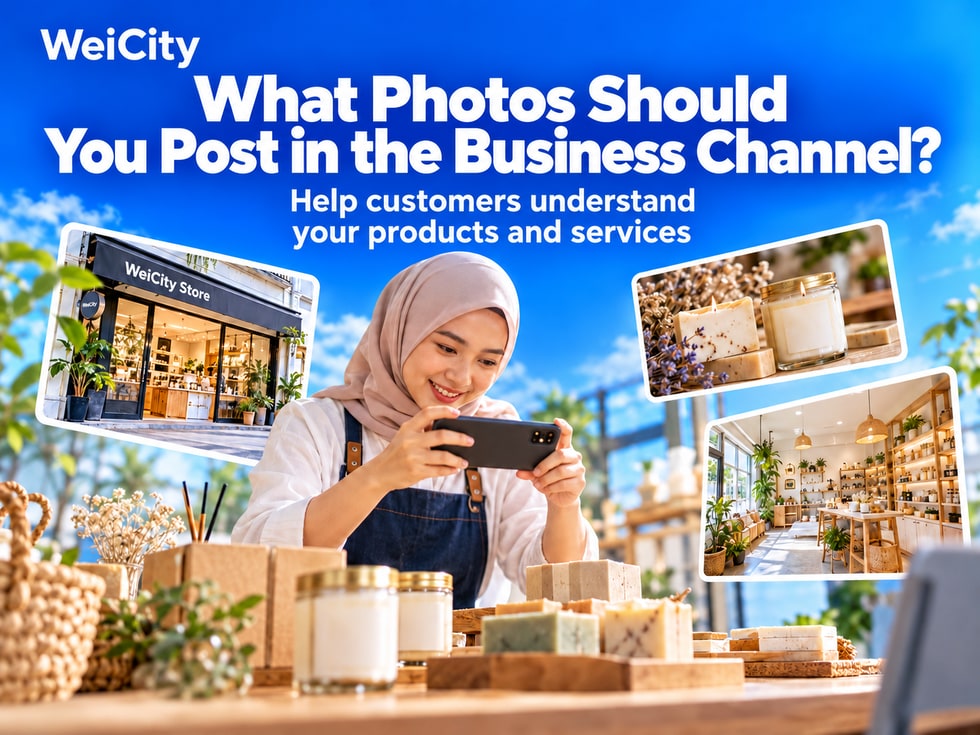
When customers visit a merchant channel for the first time, besides reading the introduction, they also judge from images:
🔹 What does this shop sell?
🔹 Is the environment suitable for me?
🔹 What are the product features?
🔹 What do the services or work look like?
When choosing images, first ask: which customer question can this photo answer?
✅ ① Storefront & Signboard: Help customers recognize your shop
Merchants with a physical store can include a clear storefront photo so customers can see the signboard and entrance.
🔸 Shooting tips:
🔹 Try to capture the full signboard
🔹 Make the entrance easy to identify
🔹 Shoot in good light
🔹 Avoid vehicles or clutter blocking the main subject
📌 If there is no physical store, you can use real work environment or product photos to introduce your business.
✅ ② Environment Photos: Show customers what the space is like
Show spaces related to the customer experience, such as seating areas, classrooms, service areas or product display areas.
🔸 For example:
Restaurants can show seating and dining areas. Education centers can show classrooms and learning spaces. Beauty salons can show service areas and the interior environment.
📌 Tidy the site before shooting so the photos clearly show the actual environment.
✅ ③ Product Photos: Help customers see what you sell
Choose main products and capture their overall appearance and details customers care about.
🔸 You can show:
🔹 Full view of the product
🔹 Materials and details
🔹 Different styles or colors
🔹 Actual usage scenarios
If size, specifications or set contents are important, you can add them in the image caption.
📌 Avoid excessive retouching, so that images match the products customers actually receive.
✅ ④ Service Scenes: Show customers how you provide services
Use real work scenes to introduce the service process and team.
🔸 For example:
Teachers prepare teaching materials. Beauticians organize service tools. Repair staff inspect equipment. Staff introduce product features.
Add a short caption so customers know which service the photo shows.
📌 When photographing employees or customers, first confirm that they agree to public display.
✅ ⑤ Works & Cases: Show customers relevant results
For industries such as renovation, beauty and hairdressing, design and repair, you can select representative works.
🔸 Each case can explain:
🔹 The original need
🔹 The service provided
🔹 Features of the finished result
When using before-and-after images, try to keep the shooting angle and lighting similar so customers can understand the actual change.
📌 Introduce cases accurately, and do not present individual results as effects every customer will receive.
🔶 Food & Dining
Prioritize signature dishes, set meal contents, storefront entrance and dining environment.
Help customers see what the dishes are and which dining occasions they suit.
🔶 Retail Stores
Prioritize main products, product details, styles and display environment.
Let customers know what choices the store offers.
🔶 Education & Training
Prioritize teaching environment, materials, course activities and the team.
Before publishing student photos, obtain appropriate consent and avoid displaying students' personal information.
🔶 Beauty & Hairdressing
Prioritize service environment, works and the service process.
Work captions can note the project and style to make further inquiries easier for customers.
🔶 Home Renovation and Repair
Prioritize the overall project, construction details and completed cases.
Avoid showing customers' addresses, house numbers or private information in photos.
🔶 Travel & Accommodation
Prioritize rooms, facilities, public areas and the surrounding environment.
Images should reflect the room types and facilities actually offered to reduce customer misunderstanding.
1️⃣ Clean the lens
Oil on the lens may blur photos, so clean it before shooting.
2️⃣ Choose sufficient, even light
Try to avoid subjects that are too dark or strong light that hides details.
3️⃣ Make the subject stand out
Reduce background clutter so customers can see what you want to show at a glance.
4️⃣ Shoot from several angles
Capture both the overall view and details, then select clear and useful photos.
5️⃣ Keep a consistent visual style
For the same product or works group, try to use similar backgrounds, lighting and composition.
✅ Cover Image
Used to introduce the topic of an article or content. Choose an image with a clear focus and short text so customers can recognize it in a list.
✅ Content Image
Use this to add specific details. It can show more angles, details, and processes.
📌 Choose image proportions that suit where they will be displayed. After uploading, check the preview to make sure important text, products, and people are not cropped out.
A photo can be paired with:
🔹 Product or service name
🔹 Key features
🔹 Specifications or suitable scenarios
🔹 Information to explain when customers inquire
🔸 Example:
“Living Room Storage Cabinet Case | We plan storage and display areas based on your space. Feel free to ask about on-site dimensions.”
A short, specific description is more helpful to customers than an image alone.
✅ Are the images clear?
✅ Does the displayed content match reality?
✅ Are important details visible?
✅ Do you have the right to use and publish this image?
✅ Does it include personal information that needs to be covered?
🌱 Start with representative images, then add more gradually
There is no need to upload a large number of photos at once.
Pick images that introduce your storefront, main products, services, and work first, then keep updating them as new products and business changes come along.
Make sure every image has a purpose, so customers can understand your business more intuitively.
Feel free to contact the official WeiCity channel to learn about image display, content categorization, and how to use the channel.
WeiCity Make your business visible, and make contact easier.